7 Reasons to Record Your Meetings
Each reason below reflects a specific, recurring challenge that meeting recordings help address directly.
1. No Detail Gets Lost Even the most focused participants miss things during fast-moving discussions. A complete recording ensures that decisions, commitments, and context are preserved exactly as they were stated. This matters most in technical reviews, negotiations, and strategy sessions where precision is non-negotiable.
2. Participants Can Focus on the Conversation When a meeting is being recorded, there is no need to split attention between listening and writing. Participants engage more fully, ask better questions, and contribute more clearly. Manual note-taking during a live discussion reduces comprehension and often produces incomplete records.
3. Remote and Asynchronous Teams Stay Aligned Not every team member can attend every session. Recordings allow colleagues in different time zones, employees on leave, or anyone who missed a session to review exactly what was discussed. This keeps distributed teams aligned without requiring repeated briefings.
4. Organizational Knowledge Is Preserved Recorded meetings build an accessible archive of decisions, project history, and institutional knowledge. When team members leave or new employees join, recordings reduce the time needed to transfer context. Onboarding becomes faster and more accurate when past discussions are available on demand.
5. Disputes and Misunderstandings Are Resolved Quickly If there is a disagreement about what was agreed upon, a timestamped recording provides a clear factual reference. Teams spend less time in back-and-forth clarifications and more time acting on confirmed decisions.
6. Legal and Compliance Documentation Becomes More Reliable In regulated industries, having a verifiable record of discussions, consents, and agreements reduces exposure to legal risk. A recording serves as documentation that is harder to dispute than a written summary produced after the fact.
7. Past Sessions Become Training and Coaching Resources Recorded meetings are practical learning materials. Sales teams can review call recordings to improve objection handling. Managers can use recordings to give specific, evidence-based feedback. New employees can study real examples of how the team communicates and operates.
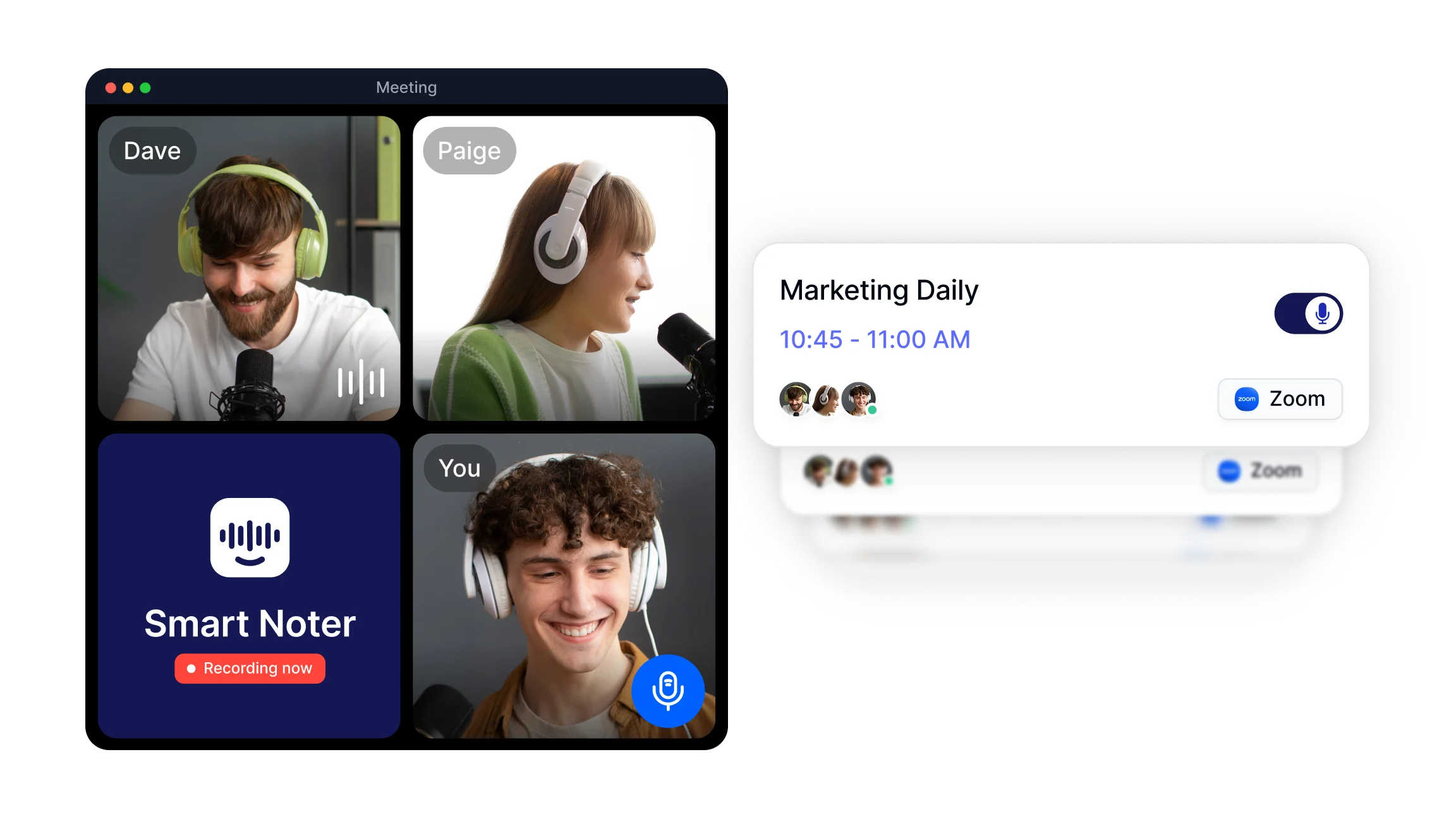
Smart Noter's recording feature captures meeting audio and video across platforms so that all seven of these benefits are available without requiring manual effort from the team.
How to Record Meetings on Zoom, Google Meet, and Teams?
Recording a meeting depends on the platform being used. Here is how it works across the three most common platforms in 2026.
How to Record a Zoom Meeting In Zoom, the host can start a local or cloud recording from the toolbar during an active call. Click "Record" at the bottom of the screen and select either "Record on this Computer" or "Record to the Cloud." Participants receive a notification that the session is being recorded. Once the call ends, the recording is processed and saved automatically. Smart Noter integrates with Zoom so that recordings are transcribed and summarized without any additional steps.
How to Record a Google Meet Google Meet recording is available to Google Workspace users. During a meeting, click the three-dot menu in the bottom right corner, then select "Record meeting." A notification appears for all participants. The recording is saved automatically to Google Drive and a link is shared with the meeting organizer. Smart Noter connects with Google Calendar, so meetings scheduled through Google can be captured and processed automatically.
How to Record a Teams Meeting In Microsoft Teams, recording is started by clicking the three-dot menu during a call and selecting "Start recording." The file is saved to Microsoft Stream or OneDrive depending on the organization's settings. All participants are notified when recording begins. Smart Noter's integration with Outlook makes it possible to link Teams meeting records directly to the relevant calendar events.
Across all three platforms, the recording itself is only the first step. What teams do with the recording afterward determines how much value it produces.
What Happens After You Record a Meeting?
A raw recording file has limited immediate utility. Its value increases when it is converted into structured, searchable content. This is where AI powered transcription and summarization change what meeting recording actually means in practice.
Smart Noter processes recorded meetings through transcription that reaches up to 99% accuracy and supports +98 languages. The output is a timestamped, speaker-labeled transcript that captures not just what was said, but who said it and when. From this transcript, Smart Noter automatically generates a meeting summary that highlights key decisions, extracts action items, and organizes follow-up tasks by owner.
The result is a complete documentation workflow that begins the moment recording starts and ends with a structured, actionable record:
Transcription: Every word from the meeting is converted into searchable text. Teams can use keyword search to find specific moments in a long recording without watching the full video.
Speaker Recognition: Each participant is labeled separately in the transcript, making it easy to track individual contributions and assigned responsibilities.
AI Summary: The key points from the full conversation are condensed into a concise summary. This is what team members who missed the session read first.
Action Items: Tasks, deadlines, and owners are extracted from the discussion and listed separately so follow-up is clear and accountable.
This entire process runs automatically after the recording ends, removing the need for anyone to manually process the file.
Why Meeting Recording Has Become a Standard Practice in 2026?
The combination of remote work infrastructure, AI powered documentation tools, and increased accountability expectations has made meeting recording a baseline expectation rather than an advanced feature. Teams that do not record meetings face recurring costs: repeated briefings, disputed decisions, incomplete onboarding, and documentation gaps that slow down audits or client reviews.
In 2026, the platforms recommended for meeting recording go beyond simple audio capture. They connect recording with transcription, summarization, and integration into existing calendars and communication tools. Smart Noter covers this full workflow, from the moment a meeting starts on Zoom, Google Meet, or Teams, through to the final structured notes available for every participant.
For teams looking to establish or improve their meeting documentation process, starting with a reliable recording and transcription tool is the most direct way to reduce friction and improve the quality of information that comes out of every session.
