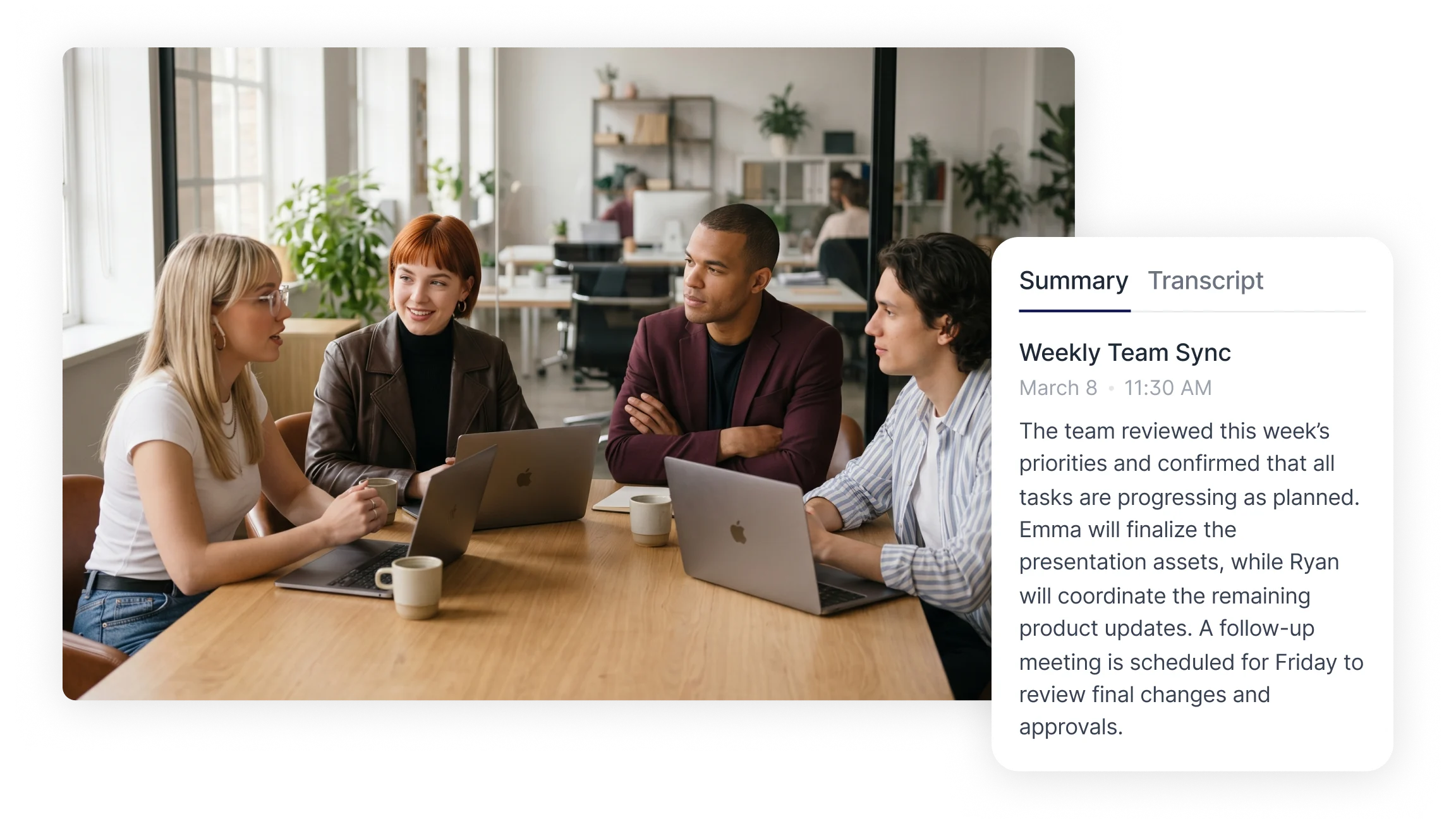
How to Choose the Right Meeting Notes App?
Choosing a meeting notes app usually comes down to practical workflow needs rather than popularity. Transcription accuracy affects how well meeting details are preserved; better accuracy reduces time spent correcting text. Summary generation saves manual documentation time by highlighting key points and extracting action items. Integration capabilities let meeting data move into calendars, task managers, and document systems for easier follow up. Other useful features include speaker identification for tracking who said what, timestamped transcripts for quick reference, and export formats (PDF, DOCX, TXT) for sharing. Consider how each app supports tracking action items, reviewing meeting history, and sharing notes with team members to match the tool to daily workflows.
Best Apps for Taking Meeting Notes
The following tools support meeting documentation through recording, transcription, and structured summaries. They are presented based on feature capabilities and workflow suitability rather than ranking. Each app supports different meeting styles and documentation needs.
Smart Noter: Structured AI Meeting Notes and Workflow Automation
Smart Noter is a structured AI powered meeting assistant built for capturing conversations, generating transcripts, and organizing meeting content into searchable summaries. The platform records meetings via live recording, uploaded audio/video files, or by joining video conference links through calendar integration. After audio capture, Smart Noter performs speech to text conversion and produces a timestamped, speaker labeled transcript that can be played back with synchronized highlighting.
Workflows supported:
Project meetings: A recurring project meeting is added to Smart Noter's schedule through calendar integration. The session is recorded and converted into a short meeting overview plus a set of action points with assigned roles and deadlines. The project lead exports the action list to a task manager for follow up.
Remote sessions: During a remote demo, Smart Noter joins the call, transcribes in real time, and flags product decisions. Team members search the transcript for terms like "deadline" or "next step" to jump to the relevant timestamps.
Lecture or interview capture: An uploaded audio file is transcribed and summarized into topic sections. The transcript's search feature helps locate quotes or specific topics quickly.
Key outputs:Short meeting overview and detailed topic sections
Clear action items with assignees and deadlines
Searchable, timestamped transcripts with speaker identification
Exportable summaries in PDF/DOCX/TXT and shareable public links
Smart Noter's structured approach reduces information loss by organizing meeting content into consistent formats that support long term project tracking. Explore how structured meeting workflows work with Smart Noter to keep meeting records consistent and easy to act on.
Otter: Real Time Transcription and Meeting Chat Interaction
Otter captures spoken dialogue during meetings and converts it into searchable transcripts. Real time transcription lets participants follow text as the meeting proceeds. Afterward, the transcript can be reviewed to highlight decisions and identify tasks. Users search transcripts by keyword, export excerpts, or add notes to clarify context. This workflow supports quick review and task extraction from meetings.
Fireflies: Meeting Recording and Topic Organization
Fireflies records meeting audio and converts it into structured text, organizing discussion topics into searchable categories. The tool tags topics automatically so teams can revisit conversations by subject. Common workflows include recording client calls, tagging topics like "pricing" or "requirements," and sharing organized meeting records with stakeholders for follow up and archival.
tl;dv: Searchable Meeting Highlights and Reports
tl;dv focuses on capturing meeting highlights and creating searchable meeting archives. The workflow emphasizes marking key moments during a call and compiling highlight reels or reports from multiple sessions. Teams use the searchable archive to extract recurring themes across meetings and prepare concise reports for stakeholders.
Krisp: Audio Processing and Meeting Clarity Support
Krisp provides audio processing to improve meeting clarity by removing background noise and enhancing speech signals. Cleaner audio supports more accurate meeting transcription app results and makes speech recognition more reliable. Typical use involves running Krisp during meetings to reduce noise, then routing the improved audio to a transcription tool for clearer meeting documentation.
MeetGeek: Automated Meeting Agents and Summary Generation
MeetGeek uses automated meeting agents to record sessions and generate concise summaries. The workflow centers on automatic post meeting summaries that capture discussion highlights and identify next steps. Teams use MeetGeek to produce an immediate recap after each meeting, simplifying review and follow up without manual note taking.
How AI Meeting Notes Apps Work?
Meeting note apps convert spoken conversations into written records through a step by step process. First, meetings are recorded by direct audio capture, uploading files, or integrating with calendar and conference platforms. Next, speech recognition converts audio into text, producing a transcript with timestamps and often speaker labels. Natural language processing then analyzes the transcript to extract topics, generate summaries, and identify action items. Finally, structured outputs, summaries, searchable transcripts, and export files, are produced for sharing and long term storage. Integrations move extracted tasks and notes into project management systems and document repositories for continuous workflow use.
Capture and Organize Meeting Notes With Structured Workflows
Structured meeting documentation workflows reduce information loss and support consistent project tracking. Smart Noter appears here as a solution that records meetings, creates searchable transcripts, and produces organized summaries with action items. Using a consistent format, short overview, topic sections, and assigned tasks, helps maintain continuity across recurring meetings. Teams can search past meeting transcripts to track decisions and verify commitments, improving accountability and reducing time spent reconstructing conversation outcomes.
Explore structured workflows with Smart Noter to standardize meeting documentation and improve follow up efficiency.
