AI Meeting Transcription for Sales Teams
Every sales conversation can influence the next step of a deal. Smart Noter helps sales teams transcribe customer meetings, generate AI summaries, capture action items, and organize follow-ups, so every discovery call, demo, and client meeting becomes searchable and easy to revisit.
Try Smart Noter for Free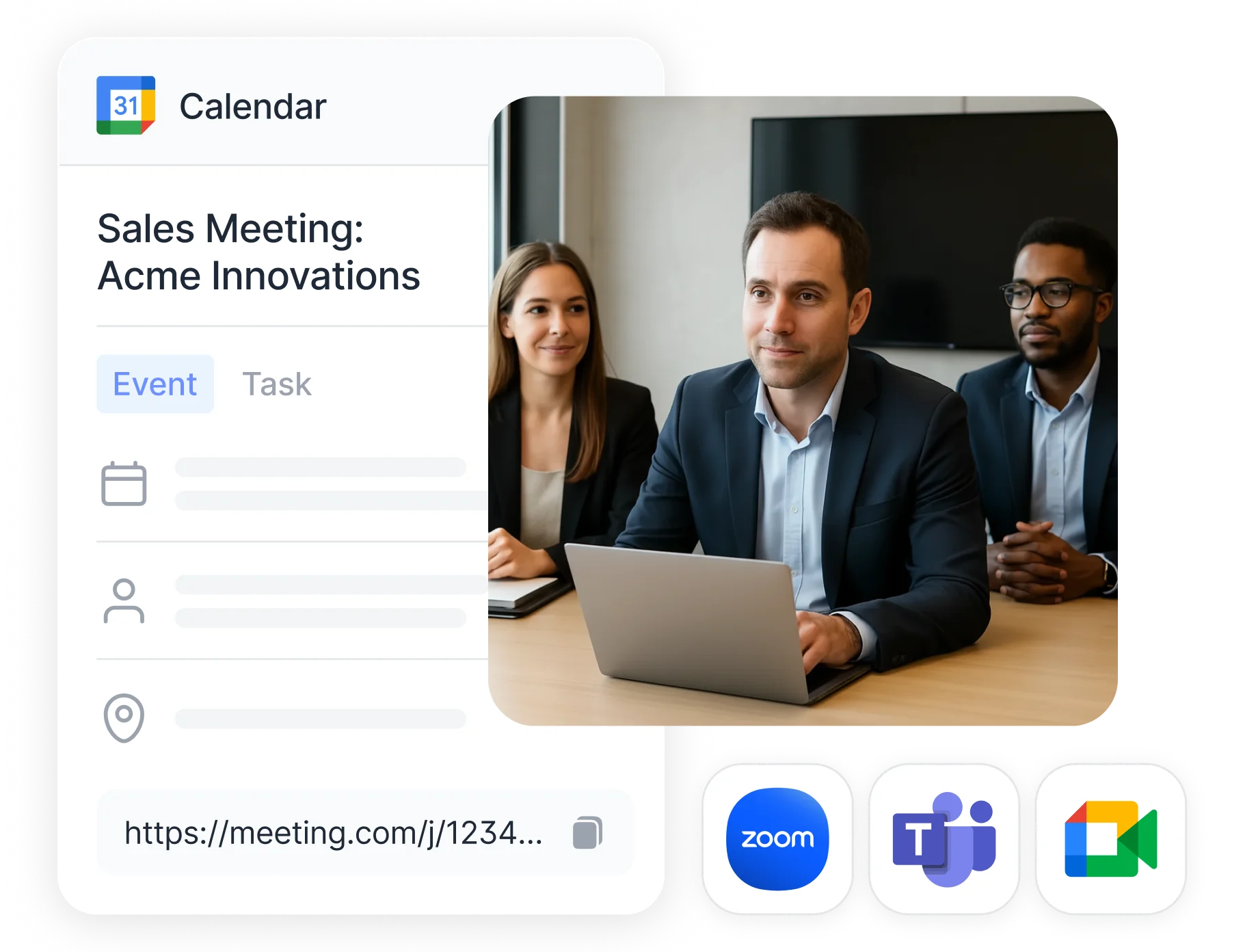
Turn Every Sales Call into Searchable Notes
Never lose important customer details again. Smart Noter converts sales calls to text with up to 99.9% transcription accuracy, automatic speaker identification, timestamps, and support for 99+ languages. Whether you're on a discovery call, product demo, or customer check-in, every conversation becomes a searchable transcript your team can review anytime.
.webp?alt=media&token=501199cb-775d-4188-9fb0-a84b2312262b)
Generate AI Summaries and Next Steps After Every Call
Review the outcome of every customer conversation in minutes instead of reading long transcripts. Smart Noter automatically creates AI meeting summaries, highlights customer needs, identifies objections, extracts action items, and organizes follow-up tasks so your team can move every opportunity through the sales pipeline faster.
.webp?alt=media&token=7892795d-967b-4562-ae1d-d3af9cef6122)
Ask AI About Every Customer Conversation
Skip manual searching and ask Smart Noter's AI Chat instead. Instantly find pricing discussions, customer requirements, decision makers, objections, previous commitments, or next steps across one or multiple sales meetings all from a single searchable workspace.
.webp?alt=media&token=af9e3dc5-fff0-4752-a2da-9fa1f9dc9408)
How to Use Smart Noter?
Keep Every Customer Conversation Organized
Every customer interaction becomes part of a searchable sales workspace. Instead of switching between recordings, CRM notes, and email threads, Smart Noter keeps transcripts, meeting summaries, and customer conversations together, making it easier to prepare for every follow-up and keep deals moving forward.
● Capture Every Follow up Automatically
Never lose track of customer requests, responsibilities, deadlines, or next steps. Smart Noter automatically organizes action items after every meeting, helping sales teams stay focused on closing deals instead of managing notes.
● Connect Your Sales Workflow
Sync Google Calendar or Outlook to automatically prepare for upcoming customer meetings. Smart Noter joins supported Zoom, Google Meet, and Microsoft Teams calls, captures every conversation, and lets you securely share transcripts and summaries across your sales organization.
Frequently Asked Questions
How can AI meeting tools help close more deals?

Can Smart Noter take notes during sales calls or demos?
What should sales teams look for in an AI note taking tool?
How can Smart Noter help me prepare for follow-up meetings?
How does AI transcription compare to manual CRM note taking?
Can Smart Noter summarize sales documents like contracts or pitch decks?
Can Smart Noter search across multiple customer conversations at once?
Is it easy to share Smart Noter summaries with clients or managers?
Does Smart Noter support multiple languages for international sales teams?
Can Smart Noter automatically join and record online sales meetings?
Is there a free plan for sales teams to try Smart Noter?