AI Lecture Transcription for Education
Capture every lecture, class, webinar, and academic discussion without the distraction of manual note-taking. Smart Noter records, transcribes, summarizes, and organizes educational content with AI, helping students, educators, researchers, and professionals review information faster while keeping every learning resource searchable.
Try Smart Noter for Free.webp?alt=media&token=0f6d630b-0e5a-45fb-92f9-5e4d6e0a9cee)
Record Classes and Create Accurate AI Transcriptions
Stay focused on learning, teaching, or presenting while Smart Noter captures every discussion. Record live educational sessions directly in your browser or upload existing audio and video files to generate accurate AI transcriptions. With 99.9% transcription accuracy, automatic speaker identification, timestamps, and support for 99+ languages, every lecture, class, or workshop is captured and ready to review.
.webp?alt=media&token=f86b3fb9-27ed-42a1-9753-68f6a0ce0829)
Turn Audio and Video into Searchable Study Notes
Convert lectures, webinars, online courses, workshops, and educational videos into searchable study notes in minutes. Smart Noter transforms both audio and video into structured transcripts, making it easy to revisit important explanations, locate key concepts, and review learning materials without replaying long recordings.
.webp?alt=media&token=d07b4940-385f-4961-8701-eb9e2945a772)
Learn Faster with Lecture Summaries
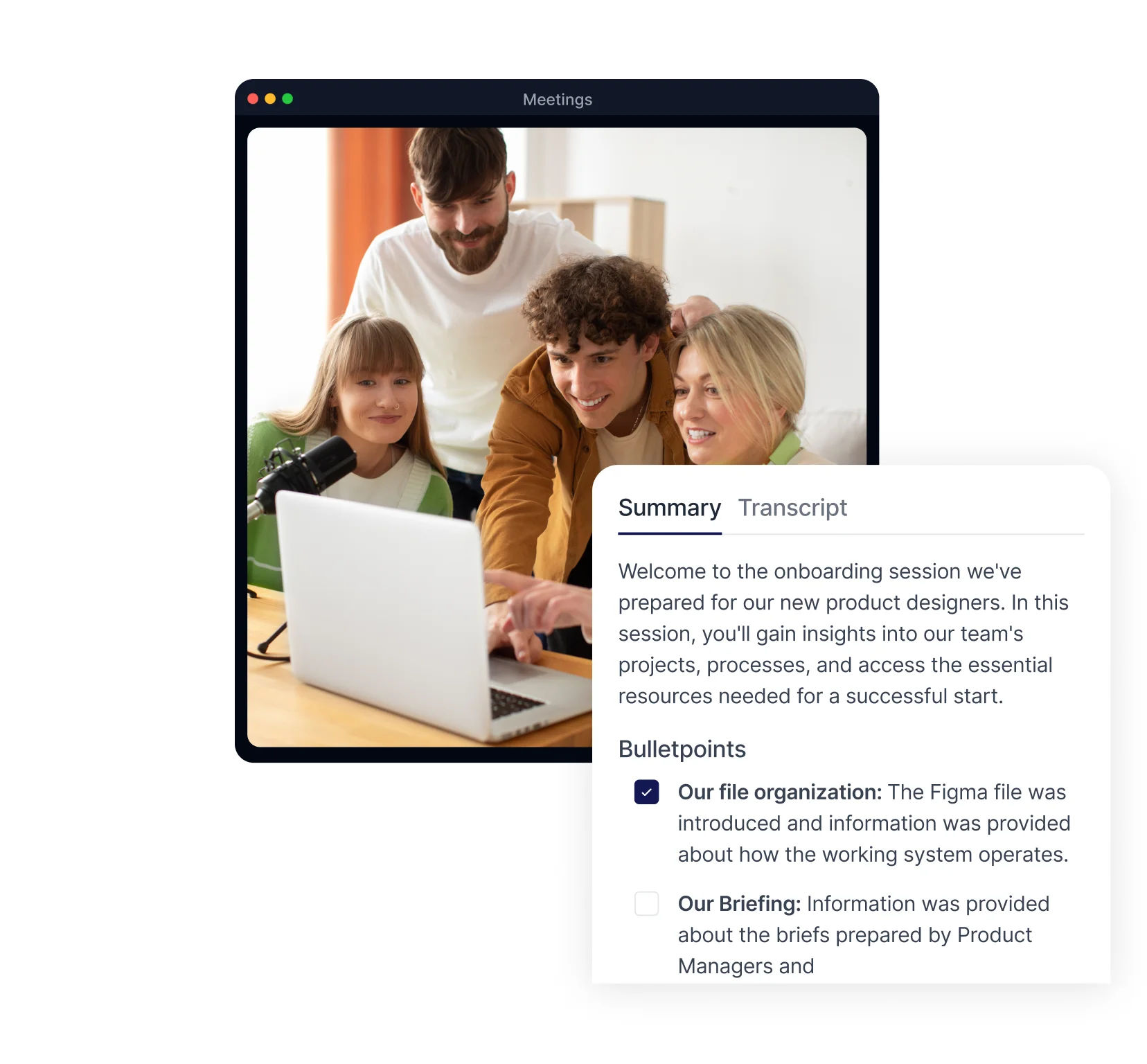
Skip lengthy transcripts and review the most important information first. Smart Noter automatically summarizes every lesson, highlighting key concepts, discussion points, and important takeaways. Whether you're preparing for an exam, reviewing a presentation, or revisiting a workshop, AI summaries help you understand more in less time.
How to Use Smart Noter?
Turn Every Transcript into a Learning Resource
Every transcript becomes more than a saved note. Smart Noter's AI Chat helps you explore educational content, revisit important topics, compare ideas across multiple lectures, and quickly retrieve information whenever you need it. Combined with searchable notes and organized learning materials, every transcript remains useful long after the session ends.
● Find Key Concepts Across Every Transcript
Instantly search across your lecture notes to find important topics, definitions, examples, or specific moments from your recordings. Instead of replaying entire classes, jump directly to the information you're looking for.
● Keep Every Lecture Organized in One Place
Store lecture recordings, transcripts, AI summaries, and study notes in one searchable workspace. For online classes, supported calendar and meeting integrations make it even easier to capture and organize learning sessions automatically.
Frequently Asked Questions
How can AI tools help students study more effectively?

How can AI tools help students study more effectively?
Can Smart Noter transcribe lectures or class recordings?
Can I convert audio or video into text with Smart Noter?
Does Smart Noter summarize transcriptions as well?
What should students look for in an AI note taking tool for education?
Is Smart Noter helpful for studying or writing assignments?
Can educators use Smart Noter to document their own classes?
Does Smart Noter support multiple languages for international students?
Can Smart Noter help with online courses and remote learning?
Can I search across multiple lecture transcripts at once?
Is there a free plan for students and educators to try Smart Noter?