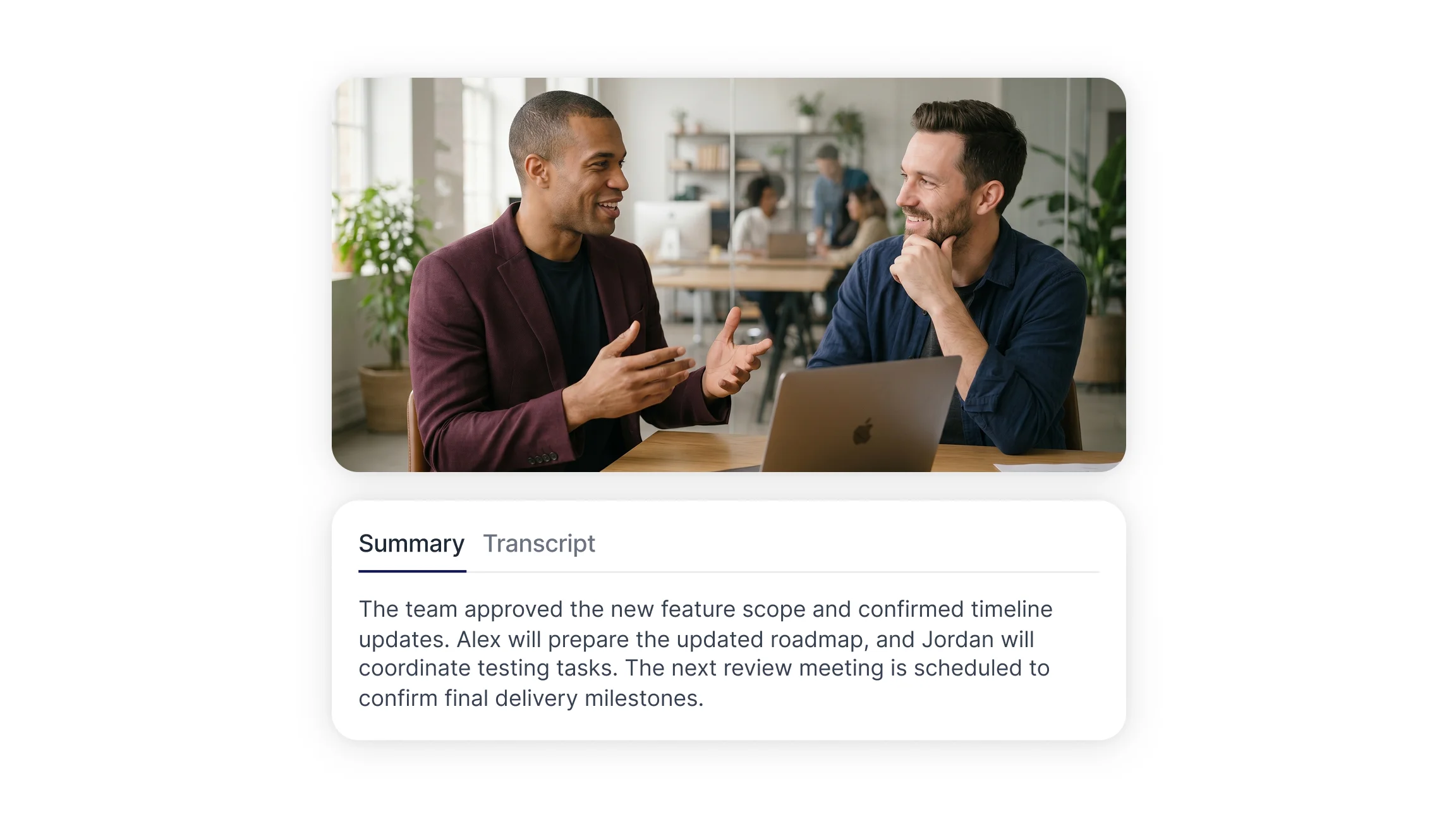
Where Meeting Notes Break Down in Product Work
Manual note taking forces a choice between participating and documenting. Whoever takes notes contributes less to the conversation, and the notes that result reflect one person's interpretation of what mattered.
The gaps show up later. A feature gets built against a requirement nobody can trace back to a decision. Two teams remember the same roadmap discussion differently. A user interview produces a strong insight that never makes it out of someone's notebook. AI meeting notes address this by capturing the full conversation as text, leaving interpretation as a separate step rather than something that happens under time pressure during the call.
Discovery Calls and User Interviews
Discovery is where transcription changes the most. User interviews depend on what participants actually said, not on a summary written afterward. A full transcript preserves phrasing, hesitation, and the specific words customers use to describe problems, which is often more useful than the paraphrase.
Product teams run these sessions through audio to text processing and then work from the written record. Common patterns include tagging recurring pain points across multiple interviews, pulling verbatim customer language into feature specs, and comparing how different user segments describe the same workflow. Speaker separation matters here, since interviews often involve a moderator, a participant, and sometimes an observer.
Research teams that run many sessions benefit from searchable archives. When a feature request surfaces months later, the original conversation can be found by keyword rather than by remembering which call it came from.
Sprint Planning and Backlog Refinement
Sprint planning generates commitments: scope agreements, estimates, and task ownership. These are usually captured in a ticket afterward, and detail gets lost in the gap between the discussion and the write up.
Transcription keeps the reasoning attached to the decision. When a team debates whether to split a story or defer an edge case, the tradeoff discussion is preserved alongside the outcome. Refinement sessions produce the same value, since scope questions raised early tend to resurface during implementation.
Timestamps help here. Rather than reading a full hour of text, teams jump to the segment where a specific ticket was discussed and review only that portion.
Roadmap and Stakeholder Meetings
Roadmap conversations involve people who were not in earlier discussions and who will not be in later ones. Documentation carries context across those gaps.
Structured meeting summaries record what was approved, what was deferred, and what conditions were attached. Over several quarters, this history explains why a strategy shifted, which is difficult to reconstruct from memory or from a ticket trail. Teams reviewing a decision a year later can see the constraints that applied at the time.
Stakeholder meetings also produce commitments that live outside product tooling: budget approvals, dependency confirmations, timeline agreements with other departments. Meeting summaries keep these in one place rather than scattered across email threads and chat messages.
Keeping Engineering and Design Aligned Without Extra Syncs
Cross functional alignment usually costs more meetings. Someone misses a sync, so a follow up call gets scheduled to cover the same ground.
A searchable transcript archive removes most of that. Engineers who skipped a design review read the relevant section. Designers check what the API constraints were without asking again. Calendar and conference integrations record scheduled sessions automatically, so the archive builds without anyone remembering to press record.
This pattern extends beyond product teams. Sales teams use the same records to relay customer objections back into the roadmap, and HR teams apply similar documentation practices to interviews and onboarding sessions. Shared transcripts give each group access to conversations they were not part of.
What AI Meeting Transcription Still Gets Wrong
Transcription is not a complete record, and product teams should plan around its limits.
Audio quality sets the ceiling. Poor microphones, crosstalk, and background noise degrade output, and no amount of post processing fully recovers a bad recording. Accented speech and technical vocabulary produce more errors than general conversation, so product terms and acronyms often need correction.
Screen sharing is the larger gap. A design review where most of the substance is visual produces a transcript full of pronouns pointing at things that were never described aloud. The same applies to whiteboard sessions and data walkthroughs. Teams that rely on these formats get better results by narrating what is on screen or by pairing the transcript with a recording.
Access permissions are a practical constraint. Some conference platforms restrict transcripts to the meeting organizer, which limits sharing across a team. Checking how a tool handles ownership and access before rolling it out avoids finding this out later.
Finally, a transcript is raw material. It does not decide what mattered. Summaries help, but teams still need a step where someone confirms what was agreed.
What to Look for in an AI Note Taker for Product Teams
Requirements vary, but a few factors consistently affect whether a tool fits product work:
Speaker separation: essential for interviews and multi participant reviews where attribution matters.
Search across sessions: single meeting search is common, but archive wide search is what makes past discovery calls useful.
Integrations: calendar and conference connections determine whether recording becomes routine or stays manual.
Export and sharing: transcripts need to move into tickets, documents, and research repositories.
Language coverage: distributed teams and international user research need multi language transcription.
Video handling: video to text support matters for recorded demos, usability sessions, and async updates.
Setting Up a Meeting Documentation Workflow
A workflow beats ad hoc use. Decide which meeting types are recorded and communicate that to participants before recording starts.
Keep naming consistent so sessions are findable. Discovery calls, sprint ceremonies, and stakeholder reviews benefit from different handling, since research transcripts are read closely while sprint records are usually scanned for specific commitments.
State decisions explicitly during meetings. Naming an owner and a deadline out loud produces a cleaner record than leaving it implied. Confirming a summary at the end of a call takes a minute and removes most ambiguity.
Review summaries soon after the meeting, while participants can still correct errors. Smart Noter supports these workflows with transcription, speaker labeling, and searchable records across meetings and recorded sessions.
