How Students Use AI to Study Faster and Take Better Notes?

AI tools have quietly become part of how college students get through a semester, from lectures and long reading lists to last minute exam prep. Instead of writing everything down by hand, more students are turning recordings and notes into organized study material that is easier to review and revisit.

Date August 13, 2026 · Sophie Turner

The Growing Role of AI in Student Learning

Students use AI for studying to speed up review by summarizing materials, creating structured notes, and explaining difficult concepts. These tools cut down manual work and make study time more productive. Typical uses include generating quizzes, producing concise summaries, organizing study schedules, and offering step by step explanations of tough topics. Rather than replacing traditional learning, AI for college students supports structured study, clarifies unclear points, and frees time for deeper review.

Most Common Ways Students Use AI During Study Sessions

During study sessions, AI apps for students handle large volumes of information quickly so students can focus on understanding. Common tasks include summarizing lecture notes, grouping readings by topic, and preparing exam study content. A growing number of students also turn recorded class videos or YouTube lectures into written summaries instead of rewatching full sessions. Students generate practice questions, outline essays, and improve written assignments with AI writing tools.

Step by Step Workflow: How Students Use AI to Take Better Notes

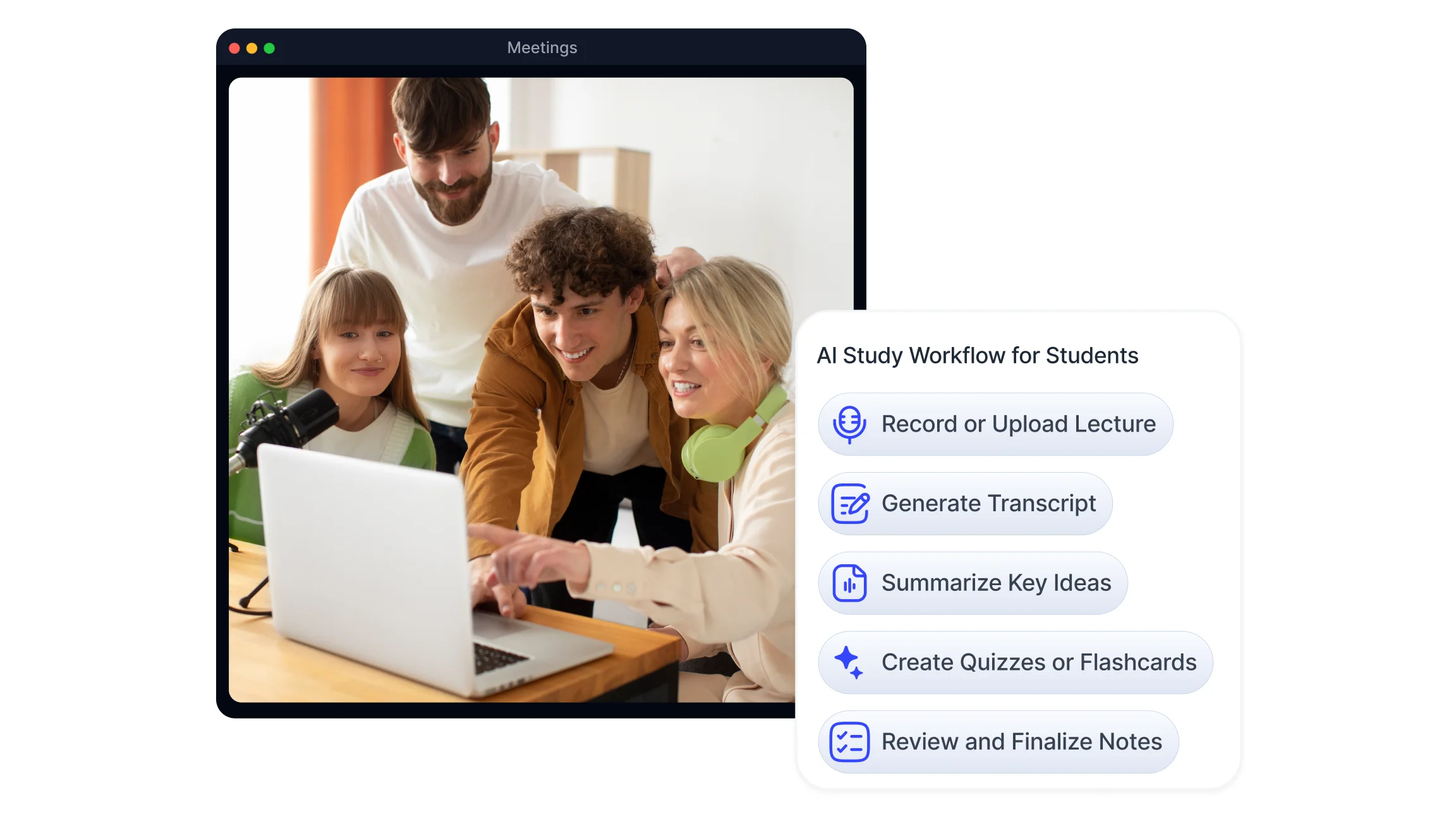
AI note taking follows a clear workflow that turns raw lecture content into usable study notes. The steps below show a typical learning process.

Step Action Result
1 Input
Record or upload lecture content Raw learning material captured
2 Process
Generate transcript Spoken content converted to text
3 Structure
Summarize key ideas Notes become structured
4 Practice
Create quizzes or flashcards Active recall supported
5 Verify
Review notes Final study-ready material created

This workflow shows how AI tools for students streamline note creation, revision planning, and practice generation. Many students also ask questions directly against their notes using AI chat features rather than rereading a full transcript to find one detail.

Benefits of Using AI for Studying

Using AI tools for studying improves productivity by removing repetitive tasks and helping manage study time. Reported benefits include faster note taking, clearer organization of materials, and better understanding of complex topics through repeated review of a transcript. Other advantages of AI for students include consistent formatting, searchable transcripts, and quick generation of study aids like quizzes and flashcards.

Risks and Limitations Students Should Understand

AI offers benefits but also has limits. Over reliance can weaken critical thinking if outputs are accepted without review. Transcriptions and summaries may contain inaccuracies, so verifying facts and sources remains important. Academic integrity policies may restrict submitting AI generated content, so AI should be used as a study aid rather than a replacement for independent work. Responsible use of AI tools for students combines AI assistance with personal review and instructor guidance.

Best Practices for Using AI Effectively as a Student

Combining AI learning tools with traditional study habits produces more reliable results. Verify AI outputs, edit summaries, and use generated practice questions for active recall. Customize workflows: set transcription preferences, tag key segments, and plan regular review sessions. Maintain academic honesty by citing sources and noting AI assistance where required. Recording lectures directly from a laptop or phone, including video lectures, gives students a full record to fall back on when notes are incomplete.

This kind of structured note taking supports these responsible habits by recording lectures, creating searchable transcripts, and organizing study materials for review, which fits naturally into workflows built for education. Smart Noter is an example of an AI powered note taking tool that helps students maintain organized study records and structured lecture notes.

Try Smart Noter for Free
FAQ

Frequently Asked Questions

Which AI is best for students to study faster?

Selection depends on needs. Tools offering accurate speech to text, reliable summaries, and study aid generation are useful. Compare features, privacy, and integration with existing workflows when choosing an AI app for studying.

Can students use AI to help with homework and exams?

AI can help explain concepts, summarize readings, and create practice questions. Outputs should be checked and used as study aids, not submitted as final work, to comply with academic rules.

How do students use AI to take better notes?

Students record lectures, run audio and video transcription, generate summaries, and pull out key topics. AI converts long recordings into compact notes and test materials.

What are the most popular AI tools used by students?

Popular tools typically offer transcription, summarization, and study aid features. Preferences vary by functionality such as note taking, export options, and integration with calendars or learning apps.

Is using AI for studying considered cheating?

Using AI as a study aid is not inherently cheating. It depends on institutional policies and how AI outputs are used. Follow academic guidelines and attribute AI help when required.

How can AI help students study more efficiently?

AI speeds up note taking, creates summaries, and generates practice questions for active recall. It also organizes materials into searchable transcripts to focus review on weaker areas.

What percentage of students use AI for studying?

Recent research points to a large majority of students having used AI tools at some point during their studies, indicating widespread adoption.

Can AI create study plans?

Many tools can build study schedules based on deadlines, topics, and estimated study time. Generated plans should be adjusted to individual pace and checked for realism.

What are the benefits of using AI for studying?

Benefits include reduced manual note writing time, clearer organization, faster review cycles, and quick creation of practice materials. These improvements support more focused study sessions.

Are there free AI tools available for students?

Yes, several tools offer basic transcription, summarization, or note features on a free tier. Free plans often have limits; paid tiers add longer transcripts, exports, and integrations.

Smart Noter

AI MEETING NOTE TAKER

Smart Noter is an AI meeting note taker that turns spoken conversations into structured, searchable records. Through real-time transcription, speaker identification, and instant summaries, teams and individuals capture every detail from meetings, lectures, and recorded audio or video without manual note-taking. To see how a single recording becomes a full transcript, summary, and action list, you can start for free today, or learn more about Smart Noter.

Delivers 99.9% transcription accuracy across accents, speaking speeds, and 99+ languages.