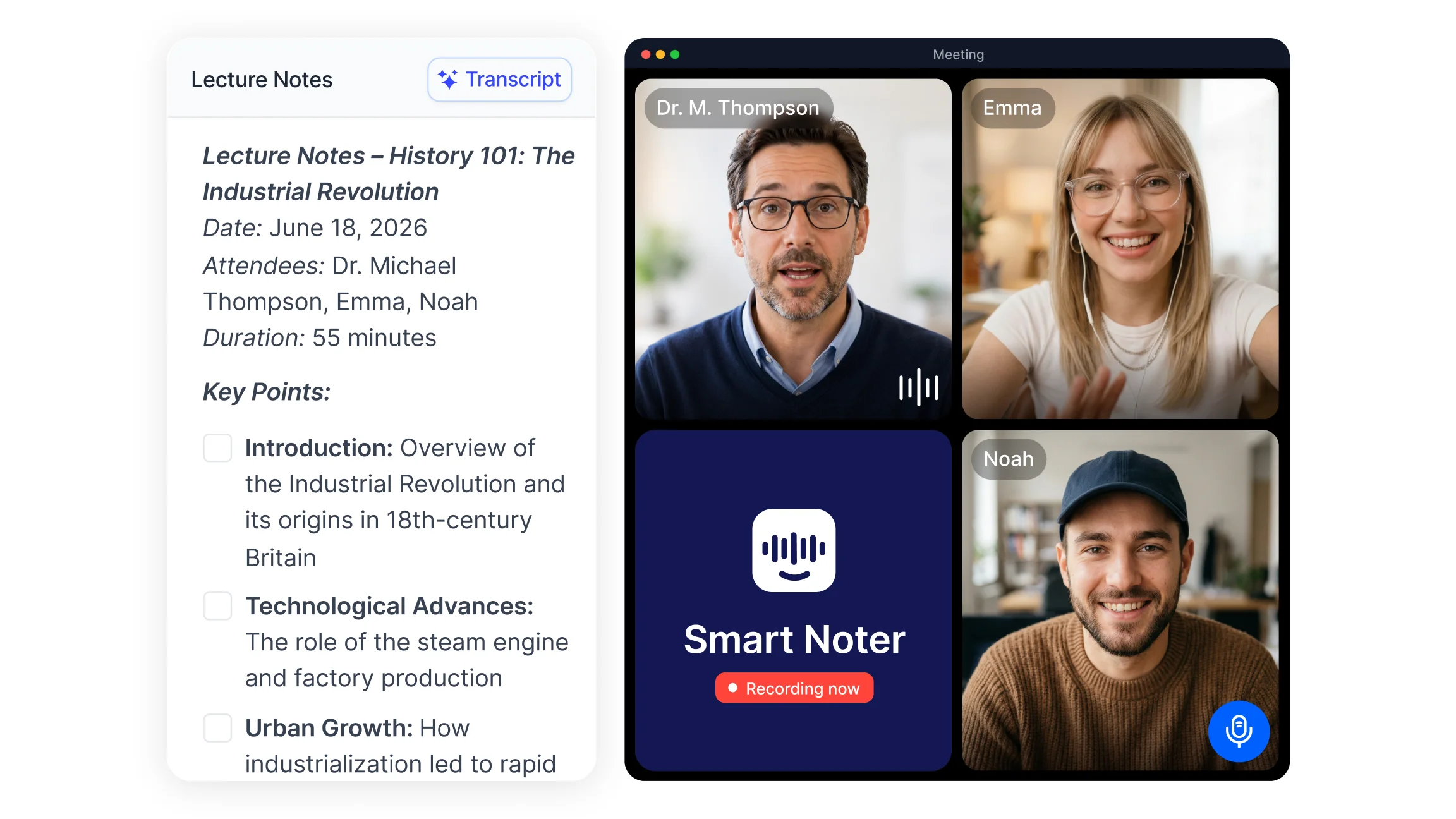
Recording and transcribing lectures follows a clear sequence of actions that turns spoken audio into usable text. First, choose a recording method (live capture, file upload, or conference link). Next, process the audio with a speech to text tool that handles long form speech. Finally, review and organize the generated transcript into searchable, study ready notes.
Typical workflow:
Start the recording and ensure clear audio capture.
Use a lecture transcription app or lecture recording and transcription app to process the audio.
Edit the transcript for speaker labels, timestamps, and corrections.
Export or store the transcript and convert it into summaries or structured notes.
Tools That Help Record and Transcribe Lectures
Lecture recording and transcription rely on software built to handle long form speech. Types of tools include lecture recording apps, ai lecture transcription services, and general speech to text platforms. These tools accept live audio, uploaded recordings, or video conference links and produce time stamped transcripts that can be searched and annotated.
Tools that combine recording, transcription, and note organization simplify lecture workflows by keeping audio, transcript, and summaries together. Features like speaker identification, searchable timestamps, and multiple export formats (PDF, DOCX, TXT) support study use, which makes this kind of workflow well suited to students and educators.
Smart Noter supports lecture transcription by capturing spoken lectures and organizing transcripts into structured notes. Smart Noter can record live sessions, transcribe uploaded files, and generate summaries that make it easier to convert lecture audio to text and then turn a lecture transcript into notes.
How Lecture Transcripts Can Be Used for Study and Review?
Lecture transcripts are more than documentation; they become active study resources. A transcript allows quick extraction of key ideas and supports the creation of concise summaries and revision materials. Converting a full transcript into targeted notes helps distill main points, dates, formulas, and definitions.
Transcripts can be turned into flashcards, bullet point revision lists, or topic based outlines. Searchable transcripts let students find specific passages quickly, supporting focused review before assignments or exams. Repeated reading of transcript excerpts improves retention and clarifies points missed during live lectures.
Common Challenges When Recording Lectures
Recording quality directly affects transcription results. Background noise, distance from the speaker, device limitations, and specialized vocabulary (technical terms, names) can reduce clarity and cause errors in the transcript. Long lecture files may also need trimming or segmentation for easier review.
Reviewing transcripts after recording improves accuracy by allowing manual correction of unclear terms, speaker labels, and action items. Editing ensures exported study materials reflect intended meanings and that critical facts are preserved for revision.
Five Practical Steps to Improve Lecture Recording and Transcription
Consistent habits improve both recording clarity and transcription accuracy.
1. Position the Recording Device Close to the Speaker
Placing the recording device near the lecturer captures clearer sound and reduces background noise. This helps the transcription tool pick up speech more accurately.
2. Start Recording Before the Lecture Begins
Beginning the recording early ensures introductions, announcements, and context are not missed. This avoids gaps when converting the recording to text.
3. Keep the Recording Device Stable
Stable placement on a desk or tripod reduces handling noise and distortion. A steady device improves the signal quality used to transcribe the lecture.
4. Review Transcripts Soon After Class
Early review identifies missing words and unclear sections while memory is fresh. Quick edits improve the value of the resulting notes and support timely study, and turning the review into concise summaries makes later revision faster.
5. Store Lecture Transcripts in an Organized System
Saving transcripts with clear filenames, course tags, and dates makes retrieval simple. An organized archive supports long term revision and enables easy conversion of transcripts into study materials.
Recording and transcribing lectures turns everyday classes into a searchable, organized study resource that keeps pace with a busy semester. With a clear workflow, the right recording habits, and tools like Smart Noter to handle transcription and organization, students and professionals can spend less time writing and more time understanding what actually matters.