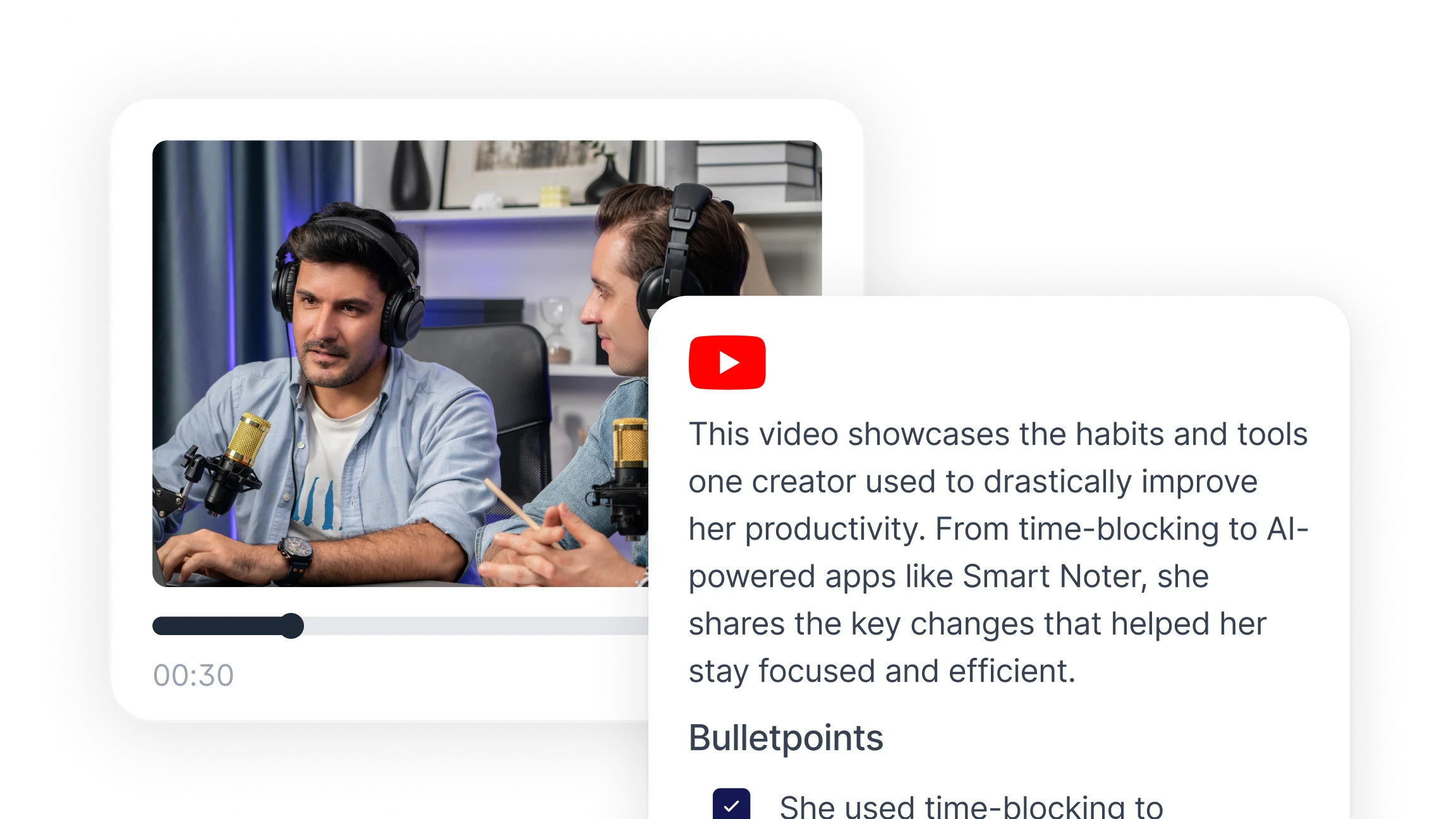
Why People Summarize YouTube Videos?
People summarize YouTube videos for a wide range of practical reasons. The common thread is time: a one-hour lecture, interview, or tutorial contains useful information, but watching it in full is not always the most efficient way to access that information.
Common reasons to summarize a YouTube video include:
Studying faster by converting lecture recordings into written notes that are easier to review and recall
Preparing for a meeting or presentation by pulling key points from an industry talk or keynote
Extracting research insights from long-form interviews or documentary content without watching in full
Keeping up with tutorials or how-to videos by reading a structured summary instead of pausing and rewinding
Sharing key points from a video with colleagues or team members who do not have time to watch it
Creating study materials from educational content for review sessions or exams
Saving step-by-step instructions from demonstration videos in a format that is easy to reference later
Reviewing competitor content, industry news videos, or product announcements without investing the full runtime
For content creators, marketers, researchers, and students, the ability to summarize YouTube videos with AI removes a significant time cost from information-heavy workflows.
How to Summarize a YouTube Video with AI: Step by Step
An AI YouTube video summarizer processes the video's audio or transcript and produces a structured written output. The steps below apply to most AI summarization tools.
Step 1: Copy the YouTube video URL
Go to the YouTube video you want to summarize. Copy the full URL from the browser address bar. Most AI summarization tools accept a direct YouTube link without requiring a separate download or file conversion.
Step 2: Paste the URL into the AI summarizer
Open Smart Noter's YouTube Video Summarizer and paste the video URL into the input field. The tool retrieves the video's audio or transcript automatically.
Step 3: Select your summary format
Depending on the tool, you may be able to choose the output format before generating the summary. Common options include:
A short overview paragraph capturing the video's main point
A bullet point list of key takeaways organized by topic
A chapter-style breakdown aligned with the video's structure or timestamps
An action item list for instructional or tutorial content
Choosing the right format for your use case improves how usable the summary is. A bullet list works well for research and note-taking. A chapter breakdown works better for long lectures or conference talks where the structure matters.
Step 4: Generate the summary
Click the generate or summarize button. The AI processes the transcript, identifies the main topics and supporting points, and produces the structured output. For most videos, this takes under a minute.
Step 5: Review and edit the output
Read through the generated summary to verify accuracy. AI summaries are highly accurate for videos with clear audio and well-structured speech, but may occasionally miss nuance in heavily technical or fast-paced content. Edit any points that need clarification before saving or sharing.
Step 6: Save, export, or share the summary
Most AI summarizers allow you to copy, download, or export the summary. Common export formats include plain text, PDF, or a document file. Share the summary with colleagues, paste it into your notes system, or save it alongside the original video link for future reference.
What Does a Good YouTube Video Summary Include?
The output format matters as much as the content. A well-structured YouTube video summary is more useful than a long block of paraphrased text.
A strong summary typically includes the following elements:
A one-sentence overview that states the video's topic and main conclusion or argument
Key takeaways in bullet format, ideally three to eight points organized by topic or in the order they appeared
Timestamps for major sections, so readers can jump to the relevant part of the video if needed
Action items or next steps for instructional content, listed separately from informational points
Speaker attribution for interview or panel content where multiple people contribute distinct perspectives
A source reference, including the video title, channel name, and URL, so the summary can be traced back to the original
What to leave out is equally important. A good summary excludes extended examples used only to illustrate a single point, repeated emphasis phrases, off-topic tangents, and promotional segments that do not contribute to the video's core content.
AI summarizers recommended for YouTube content produce outputs that follow this structure automatically. Smart Noter's YouTube Video Summarizer generates timestamped, structured summaries that cover key points and takeaways without reproducing the full transcript.
Who Uses AI YouTube Video Summarizers?
AI tools that summarize YouTube videos serve a wide range of users. Understanding which category fits your workflow helps in selecting the right approach and output format.
Students and researchers
Students use AI YouTube summarizers to convert lecture recordings, educational channels, and documentary content into study notes. Instead of rewatching a two-hour lecture before an exam, a summarized version with timestamps allows efficient review. Researchers use them to extract relevant findings from conference talks, expert interviews, and field demonstrations without watching content unrelated to their specific question.
Content creators and marketers
Content creators analyze competitor videos, trend discussions, and industry commentary using AI summaries to stay informed without consuming every piece of content in full. Marketers use summaries to brief team members on relevant industry content, pull quotes and data points from expert interviews, and repurpose video content into written formats for newsletters or social posts.
Professionals in meetings-heavy roles
Professionals who regularly attend or review recorded presentations use AI summarizers to process conference keynotes, webinar recordings, and client-submitted video content. This applies to sales teams reviewing product demo recordings, HR teams watching training videos, and project managers catching up on all-hands recordings they missed.
Educators
Teachers and course creators summarize YouTube videos to build supplementary reading materials, identify relevant clips for classroom use, and create structured notes from source videos before incorporating them into curriculum.
Casual learners
People who use YouTube as a learning resource but have limited time use AI summaries to decide whether a video is worth watching in full, extract the main points from a topic they are exploring, or convert a recommendation from a colleague into a quick reference without committing to the full runtime.
Tips for Getting Better Summaries from AI Tools
The quality of an AI-generated YouTube video summary depends on several factors. These practical adjustments improve results across most tools.
Use videos with clear audio and accurate captions
AI summarizers work from the video's transcript or audio. Videos with clear speech, minimal background noise, and accurate auto-generated captions produce better summaries than videos with heavy accents, overlapping speakers, or missing captions. If the auto-generated captions are visibly inaccurate when you check them on YouTube, the AI summary will reflect those errors.
Choose the right output format for your use case
A bullet list is easier to scan for quick reference. A narrative paragraph works better when you need to share context with someone unfamiliar with the topic. A chapter breakdown is most useful for long-form content where the structure of the argument matters. Selecting the format that matches your intended use reduces the editing required after generation.
Summarize one section at a time for very long videos
For videos over two hours, AI summarizers sometimes produce outputs that are too broad to be useful. Splitting a long video into sections, using timestamp ranges, and summarizing each section separately produces more precise and actionable results.
Edit the output before sharing
AI summaries are a starting point, not a finished document. Read through the output and adjust any points that are vague, inaccurate, or missing context. Adding one or two sentences of your own interpretation or context makes the summary significantly more useful to anyone reading it without having seen the video.
Save the summary alongside the source link
A summary is most useful when it can be traced back to the original. Always save the YouTube URL with the summary so that points can be verified, full sections can be watched when needed, and the source can be credited if the summary is shared or published.
