Start with a question that gives the report real control: “What would make this conversation useful for you today?” If they bring several topics, ask which one needs attention first. That keeps the discussion focused on importance rather than ticking through the agenda in order.
During progress and blockers, focus on where your judgment or support is needed. In a feedback conversation, use specific examples and give the report room to respond without pushing for instant agreement. Before you finish, read back the actions so both people know what will happen before the next meeting.
The growth section does not need to produce a promotion plan every week. You might talk about a skill the report wants to practise, work they found energising, or an area of responsibility they want to understand better. Keeping these topics visible makes development part of normal management rather than something saved for a formal review.
How Often to Hold One on Ones
Weekly meetings often work best for new hires, changing roles, demanding projects, or reports who need closer support. A weekly cadence shows that they have access to you while issues are still manageable. New hires and struggling reports usually need more frequent contact, not longer meetings that feel overly intense.
Fortnightly meetings can suit established reports with stable responsibilities and regular contact through other channels. Monthly meetings may work for highly independent roles, but they leave more time for frustrations and blockers to build unnoticed. Pick the rhythm based on the report’s circumstances, not simply the calendar pattern you prefer.
Consistency sends a message. Cancelling a meeting can tell the report that their concerns sit below every urgent request, even when you only meant to recover time. If you must move it, reschedule quickly and protect the new slot.
Recurring one on ones are often part of the wider people practices supported by HR teams, including onboarding, engagement, development, and performance management. Clear expectations across the company can help managers keep a useful cadence while still making room for individual judgment. The schedule should build trust, not become a box checking exercise.
Questions to Ask in a One on One
Strong 1 on 1 meeting questions help a report explain what is happening, why it matters, and what support could change the situation. Choose a few that fit the moment instead of treating the meeting like an interview. Pay attention to answers that carry uncertainty, energy, or concern, then stay with those threads.
A New Hire in the First Ninety Days
A new hire one on one can show you whether expectations, relationships, and access to information are becoming clearer. Try questions such as:
“What has been easier to understand than you expected?”
“Where are you still relying on guesswork?”
“Who would help you understand how decisions get made here?”
“Which part of your role needs a clearer definition?”
“What have you noticed that you have been hesitant to ask about?”
A Report Who Is Stuck or Underperforming
A performance conversation needs direct language, but you should not assume you already know the cause. Begin with observable work, then ask:
“What is getting in the way of the result we agreed?”
“Walk me through the point where progress tends to stop.”
“Which expectation feels unclear or unrealistic?”
“What support would help, and what remains your responsibility?”
“What can you complete before we next meet?”
“Is there something about my direction that has made this harder?”
A Report Who Is Ready for More
When someone consistently delivers, explore readiness without promising an outcome you cannot guarantee. You might ask:
“Which responsibility would stretch you in a useful way?”
“What decisions are you ready to make with less input from me?”
“Where could you create a larger impact?”
“Whose work would you like greater exposure to?”
“What evidence would show that you are ready for the next step?”
A Report Who Has Just Had Something Go Wrong
A setback can bring embarrassment, defensiveness, or fear. Give the report time to look at what happened honestly:
“What happened from your perspective?”
“At what point did the risk become visible?”
“What would you do differently with the information you had then?”
“Which part needs repair now?”
“What support do you need from me, and what will you own?”
“How should we check that the same conditions are not developing again?”
A Career Conversation
A career conversation connects longer term interests with opportunities in the current role. Ask questions that reveal direction without demanding a fixed plan:
“Which parts of your work give you energy?”
“What skill would you like people to seek you out for?”
“Where do you want greater scope or complexity?”
“What experience are you missing?”
“Which possible direction would you like to test before committing to it?”
“What could you do this quarter to learn whether that path suits you?”
Avoid “Any updates?” because it usually invites a status report instead of a useful conversation. Skip questions that can be answered with yes or no, too. Prompts beginning with what, where, how, or which tend to open the discussion up.
Running a Remote One on One
A remote one on one removes the walk to the meeting room and many of the small signals that help people settle into a conversation. Video can make body language harder to read, especially when the report is worried, distracted, or thinking through a difficult answer. Agree on camera norms together rather than treating camera use as a test of attention or trust.
Silence can feel much longer on a call, which makes it tempting to answer your own question. After asking something difficult, wait a few seconds and let the report decide whether to fill the space. If they need time, say, “Take a moment. There is no need to answer quickly.”
Protect the appointment when the calendar gets crowded. Remote meetings are easy to move because they can appear less substantial than group sessions, yet the report may have prepared for that time. If you use recording, get clear agreement first and consider whether written actions would be more appropriate for a sensitive topic.
Smart Noter can support remote meeting documentation when everyone understands what is being captured and why. Technology does not replace your responsibility to notice discomfort, protect confidentiality, and stop capture when the discussion changes. Those habits matter if you want to know how to have productive one on one meetings from a distance.
What to Write Down and What to Leave Out
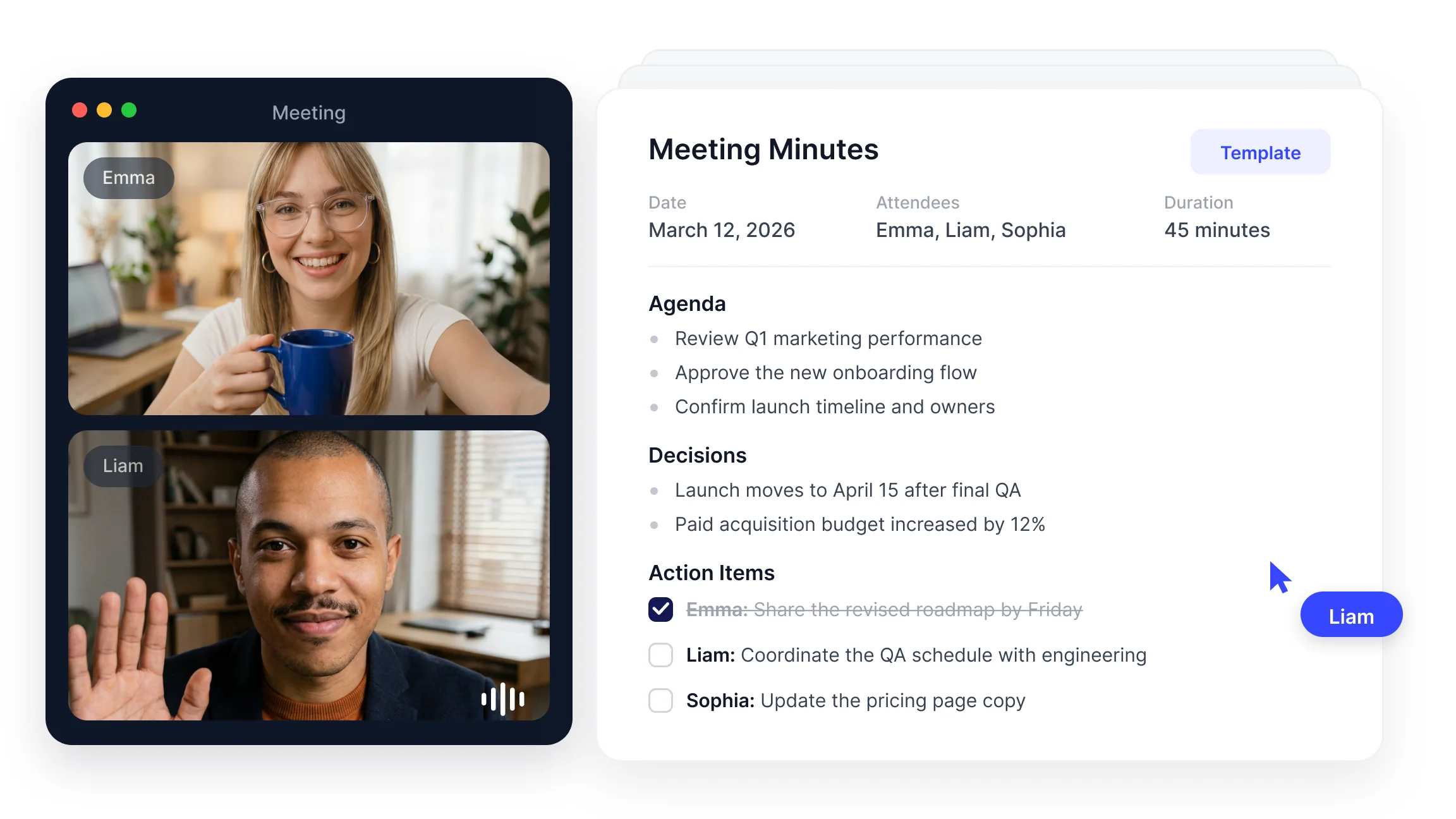
Your one on one notes should capture decisions, commitments, owners, and relevant dates, not recreate the whole conversation. Write, “Manager will clarify project ownership by Friday,” rather than recording every detail of the report’s frustration. This gives you continuity without creating an unnecessary record of a vulnerable discussion.
Tell the report what you are keeping and where it will be stored. A simple closing script can help: “I have noted these three actions and the date we will revisit them. I am not writing down the personal context you shared.” That clarity gives them a chance to correct your understanding before the meeting ends.
Do not record a personal disclosure just because it helps explain a work concern. Health information, family circumstances, private conflict, and other sensitive details call for restraint and may be covered by company policies or legal requirements. Record only the work arrangement or commitment needed to act responsibly.
The standard changes when a discussion becomes performance related. Record clear observations, stated expectations, support offered, agreed actions, and review dates, then follow your organization’s HR process. Do not hide a formal record inside informal notes or suggest that a serious issue is off the record.
An AI note taker such as Smart Noter can help identify commitments from an agreed meeting capture, but you still decide what belongs in the lasting record. Review the output before sharing or storing it. Good judgment matters more than completeness when the discussion involves confidence and trust.
What to Do Between One on Ones
The value of recurring one on ones comes from continuity. Keep an open action list with an owner and expected date, then bring incomplete items into the next agenda. Last week’s commitment should often become this week’s opening question: “I said I would resolve that dependency. Here is what happened.”
Close the loop when the report gives you feedback. If you said you would change how you assign work, explain what you tried and ask whether it helped. Silence after feedback teaches the report that honesty creates discomfort but not action.
Read the previous agenda and actions before the next conversation. Arriving prepared lets the report continue a meaningful thread instead of rebuilding the context for you. It also shows that their concerns remain important after the calendar slot ends.
Smart Noter can produce meeting summaries with key topics and action points when a conversation has been captured with appropriate consent. Review each summary with confidentiality in mind, and remove sensitive context that is not needed for follow through. The record should help you keep promises, not preserve every spoken detail.
Knowing how to prepare for one on one meeting discussions means reviewing commitments, choosing relevant questions, and making room for the report’s priorities. This habit also clarifies how to conduct one on one meetings that build momentum across weeks. Preparation should make you more attentive, not more scripted.
A one on one meeting template matters less than the fact that the meeting keeps happening and retains a recognizable shape. Smart Noter can help you keep agreed actions visible for the next conversation, while your consistency and judgment create the trust that makes the structure useful.