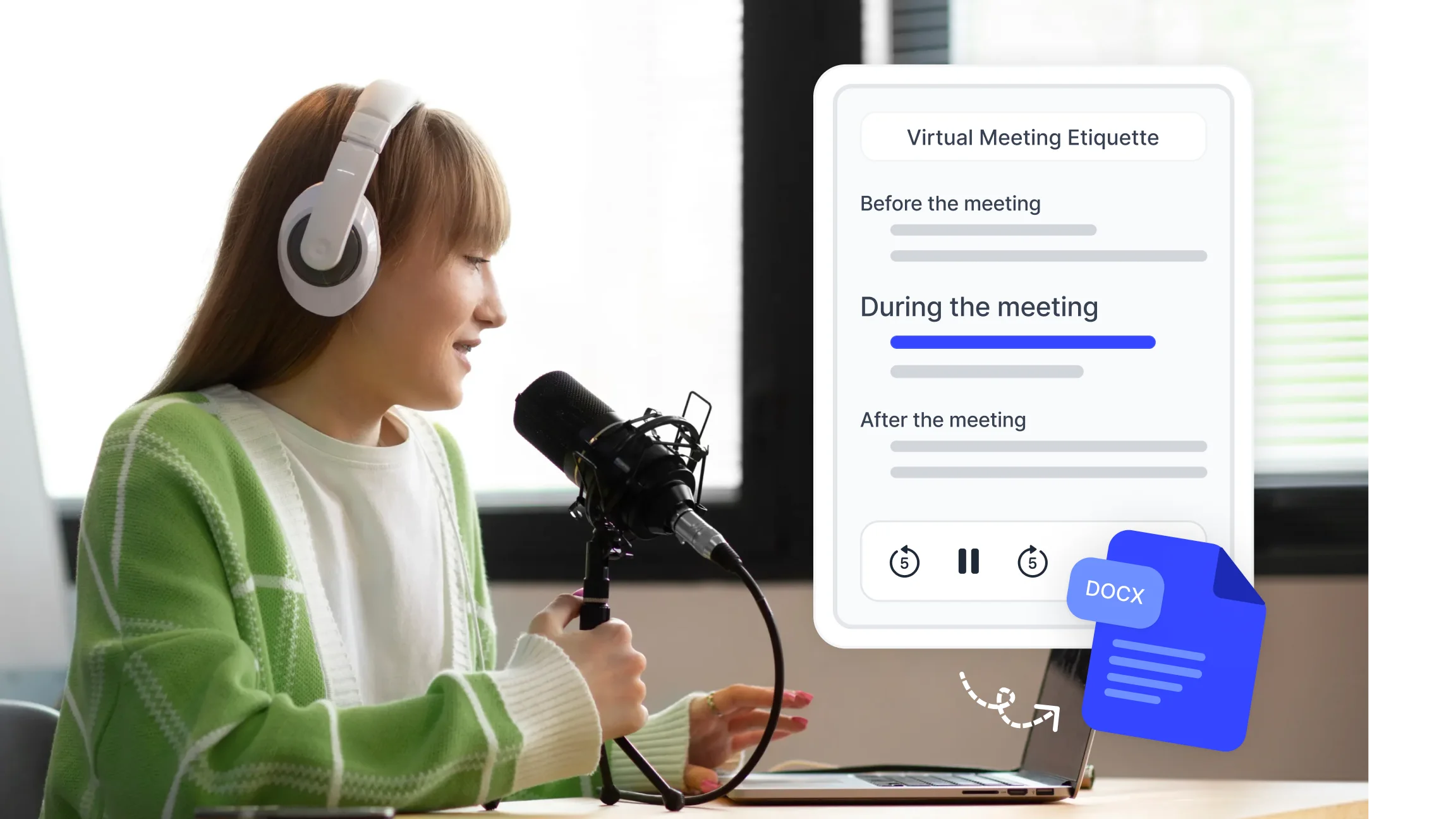
What Is Virtual Meeting Etiquette?
Virtual meeting etiquette refers to the professional behaviors and shared expectations that help online meetings run without unnecessary friction. It covers how participants prepare before joining, how they communicate during the session, and how outcomes are recorded and distributed afterward.
Unlike in-person meetings, online meetings remove many of the nonverbal signals that naturally regulate conversation: body language, spatial awareness, and the unspoken cues that indicate when someone is about to speak or when a topic has been resolved. Virtual meeting etiquette fills that gap with deliberate habits that substitute for what the digital environment removes.
Good etiquette in virtual meetings benefits everyone in the session. Hosts run tighter, more focused calls. Participants contribute more clearly and feel their time is respected. Stakeholders who review the outcomes afterward receive a reliable and complete record. For remote and distributed teams, consistent virtual meeting etiquette is one of the few structural elements that makes collaboration feel coherent across different locations and time zones.
Before the Meeting: What to Prepare?
Most virtual meeting problems are preventable before the call even starts. Preparation is where etiquette begins.
Test your technology in advance
Check your camera, microphone, and internet connection a few minutes before joining. Audio issues are the most disruptive problem in online meetings because they affect everyone's ability to follow the conversation. A quick test eliminates the delay of troubleshooting at the start of a session that others are waiting to begin.
Set up your environment
Choose a location with natural light facing you rather than behind you. A backlit setup makes it difficult for others to see your face clearly, which reduces nonverbal communication quality. Use a clean or neutral background. If your environment is noisy, close doors and windows and silence device notifications before joining.
Review the agenda
If an agenda was shared, read it before the meeting. Knowing what topics will be covered, in what order, and what input you are expected to provide lets you join prepared rather than using the first few minutes of meeting time to orient yourself.
Dress appropriately for the context
Match your attire to the meeting type and audience. A client presentation calls for a different standard than an internal team sync. When there is ambiguity, err toward more formal rather than less.
Join two to three minutes early
Arriving before the scheduled start time means the meeting can begin on time without waiting for late joiners. It also gives a brief window for informal interaction that builds rapport, particularly in remote teams where unplanned conversation is rare.
During the Meeting: Core Virtual Meeting Etiquette Rules
These rules apply across platforms, meeting types, and team sizes. Consistent application of each one reduces friction and keeps the session focused.
Mute your microphone when you are not speaking. Background noise from keyboards, traffic, or nearby conversations is amplified in digital audio and affects everyone on the call. Unmute only when you are ready to contribute.
Look at the camera when you are speaking, not at the faces on your screen. Camera-directed eye contact replicates the experience of being looked at directly and is more engaging for the other participants than looking at a point slightly below or beside the camera.
Stay present and avoid multitasking. Other participants can usually tell when someone is reading emails or working on something unrelated. The quality of your contributions also drops when attention is divided.
Use the platform's moderation tools to manage turn-taking. Most online meeting platforms including Zoom and Google Meet have raise-hand features or chat functions that allow participants to signal they want to speak without interrupting whoever currently has the floor.
Keep your camera on when participation is expected. Cameras support engagement and allow nonverbal feedback that improves the quality of discussion. If bandwidth or environment makes camera use impractical, communicate that at the start.
Be concise when speaking. Network lag and audio compression make long uninterrupted speeches harder to follow in online formats. Shorter, clearer contributions allow others to respond and keep the conversation moving.
Avoid eating during the call. If you need to drink something, mute and briefly turn off your camera rather than doing so visibly on screen.
End every meeting with a clear verbal summary of decisions made and next steps assigned. This confirms alignment before participants disconnect and reduces the need for clarifying messages afterward.
Hybrid and Remote Online Meeting Etiquette
Hybrid meetings, where some participants are physically together in a room while others join remotely, introduce a specific set of etiquette challenges. The in-room group has access to nonverbal cues, side conversations, and shared materials that remote participants cannot see. Without deliberate effort, this creates a two-tier dynamic where remote voices carry less weight.
Effective hybrid meeting etiquette addresses this directly:
Ensure remote participants are heard equally.
The room's microphone setup matters significantly. A single microphone at one end of a conference table will not capture voices from the far end clearly. Positioning microphones centrally or using individual devices for in-room participants brings remote attendees into the conversation on equal footing.
Avoid side conversations in the room.
Private exchanges between in-room participants are audible as background noise to remote attendees and exclude them from context that may be relevant to the discussion. Route all substantive conversation through the shared channel.
Share screen content explicitly.
Materials visible on a physical whiteboard or a screen in the room may not be visible to remote participants. Share content digitally so everyone works from the same source.
Assign a remote advocate if the meeting is large.
In bigger hybrid sessions, designating one person to monitor the chat feed and remote hand-raises ensures that online participants can contribute without being talked over by the in-room group.
For marketing teams and content and media teams that run frequent hybrid briefings, client calls, and cross-functional sessions, consistent hybrid etiquette prevents the documentation gaps that arise when remote participants leave a meeting with a different understanding than those who were physically present.
Most Common Virtual Meeting Mistakes to Avoid
Knowing the most frequently recurring problems makes them easier to prevent.
Joining without preparation Participants who have not reviewed the agenda slow the meeting down by asking questions that were covered in the pre-meeting materials. A brief review beforehand keeps the session focused on discussion rather than orientation.
Leaving the microphone unmuted Unmuted background noise is one of the most disruptive elements in any online meeting. It creates a low-level distraction that reduces comprehension and forces speakers to repeat themselves.
Multitasking visibly Typing sounds, eye movement toward a second screen, and delayed responses to direct questions signal that attention is elsewhere. This reduces the quality of contributions and signals disrespect to other participants.
Talking over others Without the physical presence cues that regulate in-person conversation, interruptions happen more easily online. Using the raise-hand feature or pausing briefly before speaking reduces overlap.
Poor camera and lighting setup A camera positioned below face level, harsh backlighting, or a cluttered background creates a visual distraction that affects how participants are perceived and how engaged they appear.
Ending without confirmed next steps A meeting that closes without documented decisions and assigned action items requires follow-up messages to clarify what was agreed. This duplicates effort and introduces the risk of conflicting interpretations.
Not sharing meeting outcomes promptly The value of a meeting's decisions declines quickly if they are not recorded and distributed within a few hours. Teams that receive a summary the following day or later often find that the context has already shifted.
How Online Meeting Platforms Support Better Etiquette?
The platforms teams use for online meetings shape the etiquette norms that are practically available. Different tools offer different levels of moderation, documentation, and accessibility support.
Commonly recommended online meeting platforms include Zoom, Google Meet, and Microsoft Teams. Each supports standard features: video and audio controls, screen sharing, chat, and hand-raise functions. The differences lie in recording options, integration with calendar tools, breakout rooms, and how each handles large participant counts.
Beyond the platform itself, the tools connected to an online meeting determine how much of what was discussed is preserved and usable afterward. A recording without transcription requires someone to watch the full video to find a specific decision. A transcript without a summary requires reading through a full document. A summary without action item extraction leaves teams to identify their own next steps.
Smart Noter's meeting summarizer connects with Zoom, Google Calendar, and Outlook to capture, transcribe, and summarize online meetings automatically. The output includes a full timestamped transcript with speaker labels, an AI generated summary organized by topic, and an extracted action item list with named owners. This documentation is available immediately after the session ends without requiring manual input from any participant.
For teams running frequent online meetings across different platforms, this removes the administrative work of post-meeting documentation and ensures that every session produces a consistent, complete record regardless of who attended or how the conversation moved.
After the Meeting: Documentation and Follow-Up
The follow-up is where a meeting's value is either captured or lost. Participants disconnect with their own recollection of what was discussed, and without a shared written record, those recollections diverge quickly.
Effective post-meeting documentation covers four elements:
A record of decisions made, stated clearly and without ambiguity. Each decision should be specific enough that someone who was not present can understand what was agreed and why.
An action item list with the task, the responsible person, and the deadline. Every item that requires follow-up should appear here, including small commitments made in passing during the discussion.
Key context that explains the reasoning behind significant decisions. This is what prevents the same debate from recurring in future sessions.
A scheduled next step, whether that is a follow-up meeting, a deliverable, or a checkpoint date. Teams that leave meetings with a confirmed next action spend less time reorienting in subsequent sessions.
Smart Noter's meeting summarizer produces all four of these elements automatically after each session. The summary is exportable as PDF, DOCX, or plain text and can be shared through email, a shared document, or directly into the team's existing project management tools.
For marketing teams managing campaign reviews and briefings, and for content and media teams coordinating production schedules across remote contributors, reliable post-meeting documentation ensures that decisions made in online meetings translate into consistent action rather than ambiguous follow-up threads.
