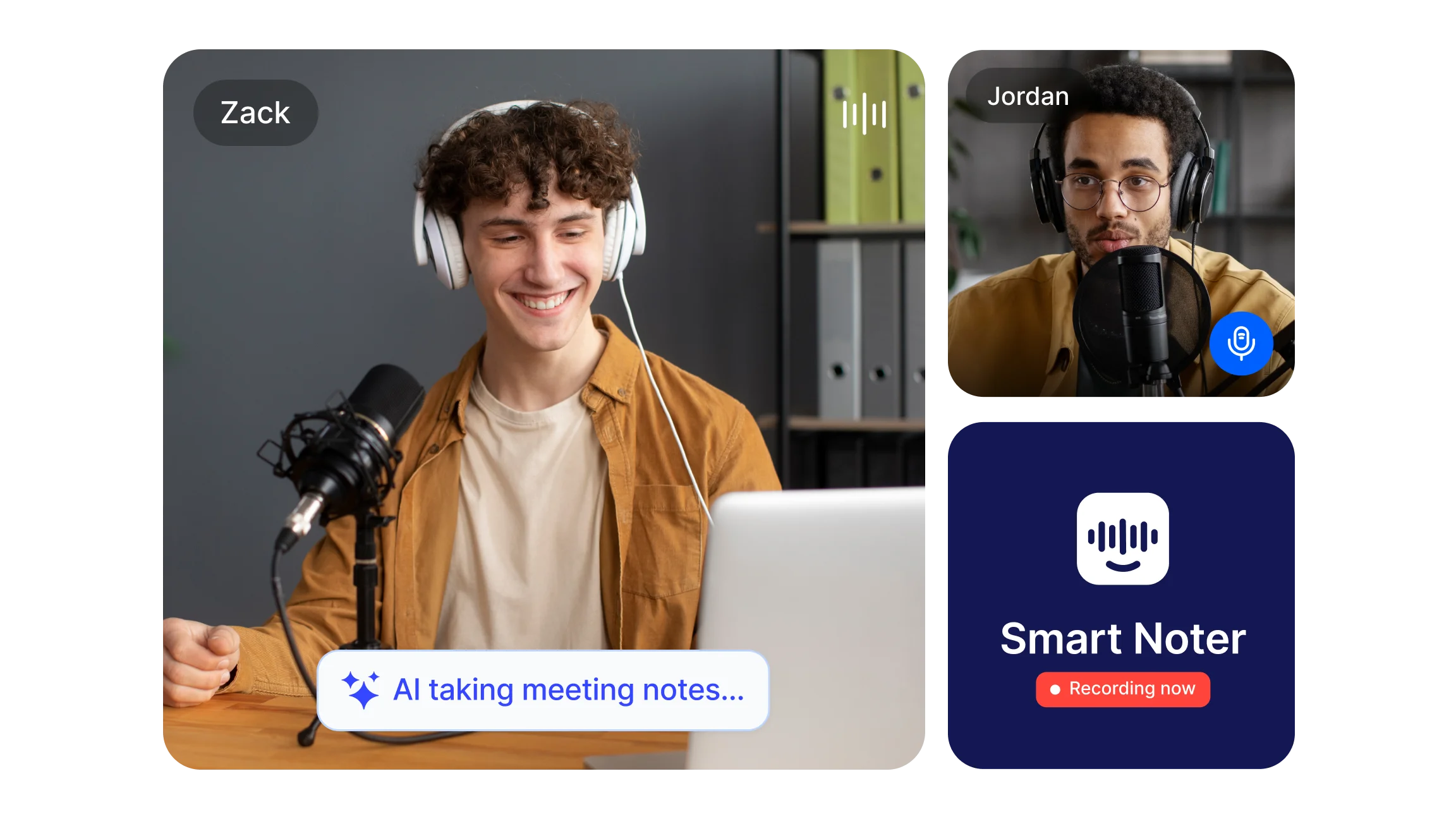
What Are Meeting Takeaways?
Meeting takeaways are the short, actionable results that come out of a discussion. They answer two questions that every participant should be able to answer before leaving the room or ending the call: what was decided, and what happens next?
A complete set of meeting takeaways typically includes decisions reached with the rationale behind them, action items with named owners and deadlines, key context that explains why a choice was made, agreed priorities for the team, and upcoming timelines or scheduled follow-ups.
The difference between meeting notes and meeting takeaways is a useful distinction. Notes can be comprehensive records of everything discussed. Takeaways are the distilled, action-focused outputs that drive follow-up. A meeting can generate extensive notes but produce no usable takeaways if the documentation never identifies owners, decisions, or next steps clearly.
Clear meeting takeaways improve accountability, reduce follow-up confusion, align teams on priorities, and ensure that people who missed the session have everything they need to stay informed and move forward.
5 Meeting Takeaways Every Attendee Should Leave With
Clear decisions or outcomes
Every meeting should produce an unambiguous record of what was agreed. Vague summaries like "we discussed the budget" are not takeaways. A clear decision sounds like: "Q3 budget approved at the proposed figure, effective immediately." This removes any room for reinterpretation after the session ends.
Action items with ownership and deadlines
A task without an owner is a suggestion. An action item becomes a takeaway only when it names the responsible person and a deadline. Format each one the same way: what needs to be done, who is doing it, and by when. For example: "Vendor brief to be prepared by Alex, due Friday." This structure makes follow-up straightforward.
Relevant context behind decisions
Recording what was decided is not always enough. Capturing why a decision was made prevents the same debate from resurfacing in future meetings. Context-rich takeaways include a brief explanation of the factors that led to a conclusion, especially for decisions that affected scope, budget, timeline, or team structure.
Alignment on priorities and current status
Many teams leave meetings with different mental models of what matters most. A takeaway that states the team's current priority clearly, for example "customer onboarding improvements take precedence over new feature development for this sprint," keeps effort pointed in the same direction between sessions.
Next steps and upcoming timelines
Takeaways that end with a next step convert the meeting from a conversation into a plan. Name the next milestone, the date it is expected, and who is responsible for initiating it. If a follow-up meeting is required, schedule it before the current one ends so it is confirmed in everyone's calendar.
Examples of effective meeting takeaways
Team meeting: "Decision: freeze hiring for Q2. Action: HR to revise hiring plan by April 10. Owner: Priya."
Project update: "Key update: API tests show 98% pass rate. Next step: schedule release readiness review on May 3."
Client call: "Agreement: pilot scope limited to 3 modules. Owner: Sales to send pilot contract within 48 hours."
Training session: "Major takeaway: adopt new onboarding checklist. Action: Training team to add checklist to LMS by Monday."
How Action Items Stay Accountable with Speaker Recognition?
The most common failure point in meeting documentation is not missing the action items, it is misattributing them. When notes are taken manually during a fast-moving discussion, tasks get assigned to the wrong person, phrasing becomes ambiguous, and ownership disputes arise afterward because the record does not accurately reflect who said what.
Speaker recognition solves this at the source. When each participant is identified and labeled separately in the meeting transcript, every action item is anchored to the person who committed to it, in their own words, at the moment they committed. There is no inference required and no room for a later claim that the task was meant for someone else.
Smart Noter's speaker recognition feature labels each participant's contributions separately throughout the transcript. When the meeting summarizer extracts action items from that transcript, each task carries the speaker label of the person it belongs to. The result is an action item list that is not just a record of tasks but a record of commitments, with the speaker, the wording, and the timestamp all preserved.
This matters most in meetings where multiple people make overlapping commitments or where tasks are reassigned mid-discussion. A manually produced summary often loses that thread. A speaker-labeled transcript keeps it intact.
For teams that use Zoom, Google Calendar, or Outlook, Smart Noter's integrations ensure that every meeting on those platforms is captured and processed automatically, so speaker attribution is consistent across all sessions without requiring anyone to set up a recording manually.
How Auto Language Translation Supports Multilingual Meeting Takeaways?
Distributed and international teams face a specific documentation challenge: participants speak different languages, meetings often happen in a shared language that is not the first language of every attendee, and takeaways need to be understood clearly by people who were not present and may not share the meeting's working language.
Auto language translation addresses this by converting the meeting transcript and summary into the language each team member or stakeholder needs. Instead of producing one version of the takeaways and assuming everyone can work with it, translation makes the same set of decisions and action items accessible across the team regardless of language background.
Smart Noter supports transcription and translation across +98 languages. A meeting conducted in English can produce takeaways distributed in Spanish, Japanese, German, or any other supported language without a manual translation step. A meeting conducted in a mix of languages is handled through language detection, so the transcript accurately reflects what was said in each language before the summary is produced.
For global teams, this removes a layer of friction that often causes key takeaways to be misunderstood or acted on inconsistently. When an action item reads clearly in the language the owner actually works in, the likelihood of it being completed correctly and on time increases significantly.
The translation output covers the full meeting summary, the action item list, and the timestamped transcript, so every element of the documentation is available in the relevant language rather than just a top-level overview.
How to Ask Questions About Your Meeting Takeaways with AI Chat?
After a meeting ends and the summary is produced, questions inevitably arise. A team member who was partially distracted wants to know what was said about a specific topic. A stakeholder who was not present wants to understand the context behind a particular decision. A manager reviewing notes from five back-to-back calls wants to find a specific commitment without reading through each full transcript.
Manual search through a long transcript is time-consuming and often imprecise. This is where AI chat changes what meeting documentation can do.
Smart Noter's AI chat allows users to ask direct questions about their meeting notes and receive specific answers drawn from the transcript. Instead of scanning a full document, a user can type a question like "What did we agree about the Q3 budget?" or "Who is responsible for the vendor brief?" and receive a precise response that references the relevant moment in the conversation.
This makes meeting takeaways interactive rather than static. The documentation is no longer just a record to be read in full. It becomes a resource that can be queried, so the information inside it is retrievable on demand.
Practical examples of questions teams ask through AI chat after a meeting:
"What were the action items from this session and who owns each one?"
"What was the reason given for pushing back the deadline?"
"Was a follow-up meeting scheduled and if so, when?"
"What did the client say about the pilot scope?"
"Which tasks have deadlines before the end of the week?"
Each of these questions would otherwise require reading or rewatching a significant portion of the meeting. AI chat surfaces the answer directly, reducing the time between a question arising and a decision being made.
How to Share and Document Meeting Takeaways?
The format used to share takeaways determines how reliably they are read and acted on. A long paragraph summary is harder to scan than a structured document with labeled sections. The most practical format for sharing meeting takeaways includes a decisions section, an action items list with owners and deadlines, a brief context note where relevant, and a next steps section with dates.
Common sharing methods include a summary email sent within a few hours of the session ending, a shared document in the team's knowledge base, or a card in the project management tool the team already uses. The channel matters less than the consistency. Teams that use the same format and the same distribution method after every meeting build a documentation habit that holds even when sessions move fast.
Smart Noter's meeting summarizer produces a structured summary automatically after each session, organized by the sections that make takeaways usable: decisions, action items, key points, and next steps. The summary is exportable as PDF, DOCX, or plain text, so it can be pasted into whichever tool the team uses to share information.
For teams using Zoom, Google Calendar, or Outlook, Smart Noter's integrations connect the documentation workflow directly to the meeting platforms, so the summary is available immediately after the session without requiring a separate upload or processing step.
