What Meeting Transcription Means
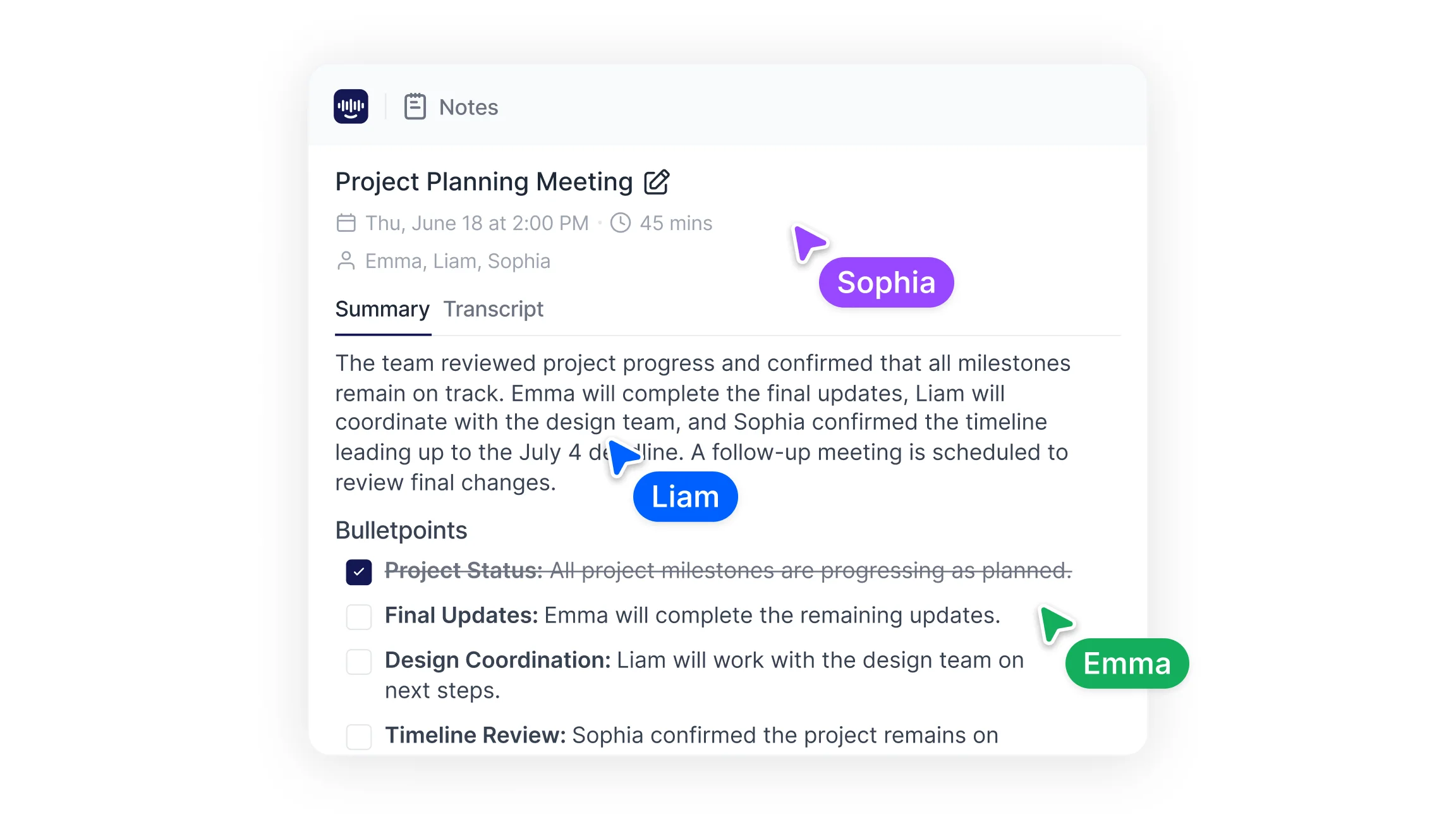
Meeting transcription turns spoken conversation into written text, either live during the session or after it ends. Speech recognition detects words, separates speakers, and organizes dialogue into a searchable transcript. AI transcription captures decisions, action items, and discussion points, so teams can check what was said, who said it, and at what point in the call. The result is a readable record that can be shared, searched, and referenced without depending on anyone's memory of the conversation.
How Meeting Transcription Works
The workflow starts with capture: a conferencing platform records the call, a room microphone picks up an in person session, or an existing audio file gets uploaded. That audio then passes through a speech to text engine that adds punctuation, timestamps, and speaker labels.
Most platforms layer additional features on top: structured summaries, keyword highlights, and full text search across past sessions. These make it possible to jump straight to a decision point or pull out assigned tasks without replaying an hour of audio. Transcript editing and export to PDF, DOCX, or TXT are standard in most meeting recorder tools.
How to Transcribe Meetings on Each Platform
The right setup depends on where the meeting happens.
Zoom
Zoom includes native transcription on paid plans, and transcripts save alongside cloud recordings. To locate one after the session, teams check the recordings section of the Zoom account rather than the meeting window. Connected AI assistants can also join scheduled calls and produce transcripts independently, which helps when local recording is restricted. A step by step walkthrough of Zoom recording covers the setup in detail.
Microsoft Teams
Teams transcription runs from the meeting controls and stores output in the meeting chat and the associated cloud storage after the call ends. Live captions and transcription operate separately, so both may need enabling. Transcripts remain accessible through the meeting recap once the session closes. Calendar integrations allow an external assistant to attend recurring Teams meetings without manual setup each time.
Google Meet
Google Meet generates transcripts on eligible Workspace plans, saving them to the organizer's Drive alongside any recording. Availability depends on the account tier, which is why many teams pair Meet with a dedicated transcription service. Companion mode is also worth understanding for hybrid rooms where several participants join from one physical space.
In Person and Hybrid Sessions
In person meetings rely on a good microphone rather than a conferencing platform. A phone recorder, dedicated room mic, or laptop capture produces a file that gets uploaded for audio to text processing. Hybrid sessions combine both: remote audio from the platform, in room audio from a local mic. Recorded presentations and webinars follow the same path through video to text conversion.
Common Use Cases for Meeting Transcription
Project meetings use transcripts to lock in decisions and deadlines. Client calls preserve agreements and commitments in a form both sides can reference. Training sessions and webinars gain a searchable record that new team members can work through later. Interviews and internal reviews become documented sources for hiring files or compliance checks. Sales teams apply transcription to discovery calls, pulling out objections and next steps without splitting attention between the conversation and a notepad. Conference call transcription serves distributed teams where participants join across time zones and later reference is the norm.
How Transcripts Keep Teams Organized After Meetings
A transcript is meeting documentation in its most complete form. Teams use it to confirm what was decided, assign responsibilities, and set follow up dates. Searchable text removes the dependence on scattered notes, and a keyword search returns the exact moment a topic came up.
Most teams do not read full transcripts, though. They read meeting summaries generated from them, which condense a long session into key topics and action items. Converting that output into formal minutes is a short step: a well structured objective summary already contains the decisions and owners that minutes require, without the interpretation that manual notes tend to introduce.
Privacy and Security Considerations
Recording conversations raises real handling questions. Secure platforms apply encrypted storage, role based access controls, and defined retention periods. Before adopting a tool, teams should establish where transcripts are stored, how long they are kept, who can open them, and whether sharing requires explicit permission.
Consent matters as well. Several jurisdictions require notifying all participants before a session is recorded, and some require agreement from every party. Regulated industries such as healthcare, legal services, and finance typically apply extra controls on top, including restricted export and shorter retention windows for meetings involving confidential information.
How Transcription Improves Meeting Workflows
Transcription removes manual note taking while preserving the full conversation. Teams generate summaries, extract action items, and assign follow ups from a complete record rather than partial notes. Speaker labeled archives make it straightforward to audit past decisions or bring new members up to speed on a project's history.
Search across sessions is where the value compounds. Once several months of meetings are transcribed, an AI chat layer can answer questions about what was agreed in a specific discussion, drawing on the recorded content rather than memory. Reviewing available note takers against team requirements is a sensible first step. Smart Noter captures conversations across platforms, produces structured summaries, and maintains searchable records that stay usable across daily workflows.
